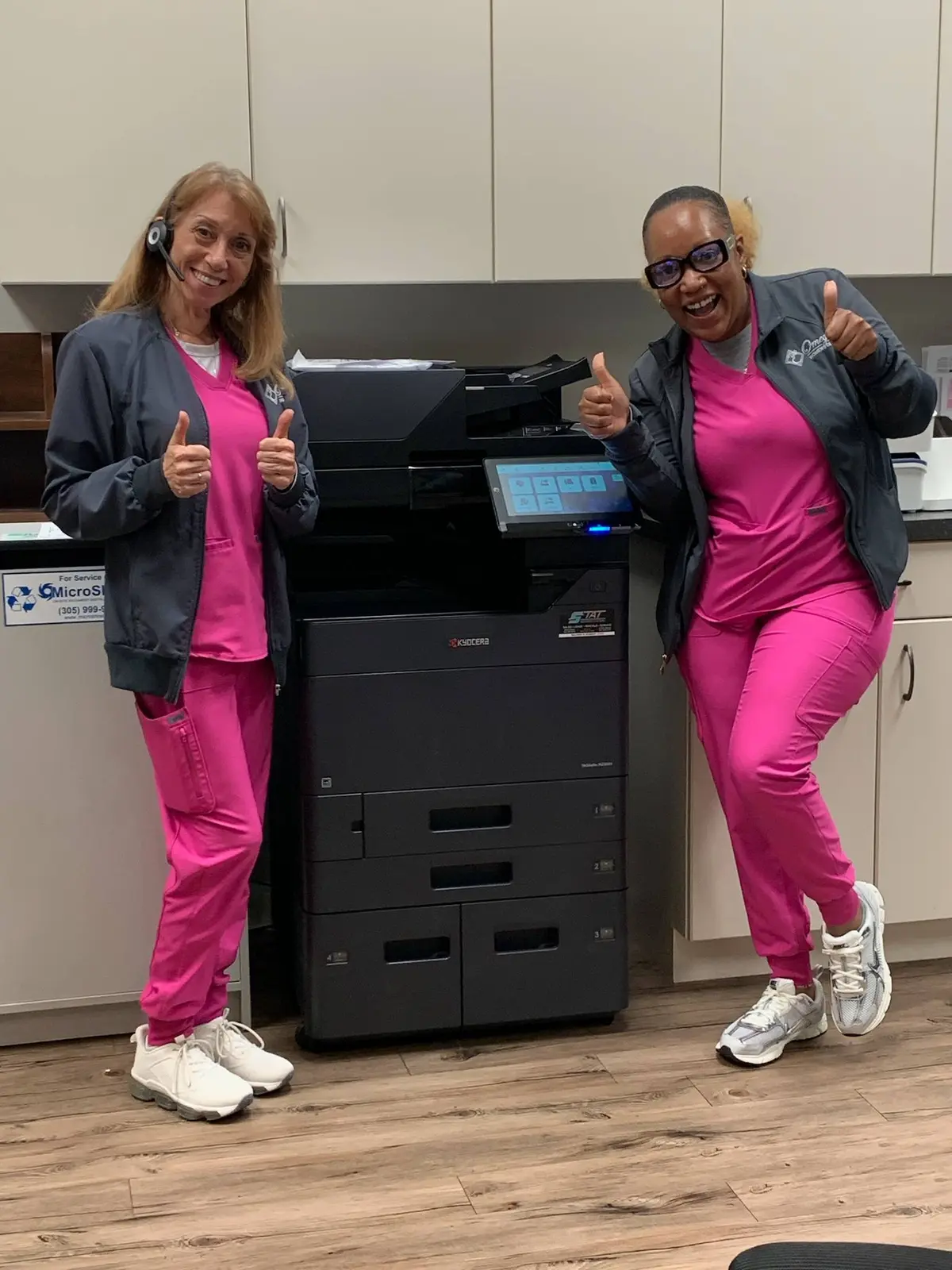
An office copier relocation is two projects: moving the equipment and restoring the work that depends on it. Treating the copier as another piece of furniture can leave the office with a machine in the right room but no useful print queue or scan destination. We prefer to plan backward from the first day your team needs to operate at the new address.
First, decide what stays, moves or gets replaced
Make a short inventory of the copier, printers and accessories involved. Record model and serial numbers, ownership or lease status, current service contact and the work each device handles. Identify any equipment that belongs to a different provider so it is not accidentally treated as part of the same move.
Review the applicable agreements and ask the provider or lessor whether notice, approval or a service-address update is required. Do not assume relocation ends a lease or automatically changes its terms. Resolve those questions with the relevant parties before scheduling the equipment.
If the move also changes staffing, floor space or document volume, assess whether the present setup still fits. Our copier leasing service can be part of that discussion, but a new office address alone is not a reason to replace equipment that still suits the work.
There are two buildings to coordinate—not just one
Confirm access at the old office and the destination. Ask about loading areas, elevator reservations, doorway constraints, move windows and any documentation required by building management. A confirmed delivery time at one property does not guarantee access at the other.
Give the equipment provider details about the copier and its accessories so the appropriate handling can be planned. Ask who disconnects, prepares, transports and reinstalls it. Staff should not improvise by separating attachments or moving a heavy commercial machine themselves.
For a move between Broward, Miami-Dade and Palm Beach locations, provide both complete addresses and on-site contact information. Keep a person available who can resolve an access problem rather than leaving that decision with someone already occupied elsewhere in the move.
Define the printing gap before it becomes an emergency
Choose the last time the old office needs the copier and the first time the new office needs it. Then identify the tasks that cannot wait between those points. A low-priority batch of internal copies is different from a document needed for a customer appointment.
A hypothetical Friday-to-Monday move may look straightforward until staff need Friday afternoon output and the new office’s network is not ready until Monday. The practical question is how those jobs will be handled—not whether the copier can physically arrive over the weekend.
A temporary copier is one option to evaluate. Our parent organization, All Florida Technologies, provides short-term copier rentals through All Florida Copiers for needs including relocations and temporary offices. Suitable equipment, dates, delivery and setup must be confirmed; a rental should not be assumed available at short notice.
Ask for a clear plan covering the temporary device’s location, essential functions, support and pickup. Also discuss what happens if the office opening is delayed. A bridge arrangement is most useful when its end date and responsibilities are understood.
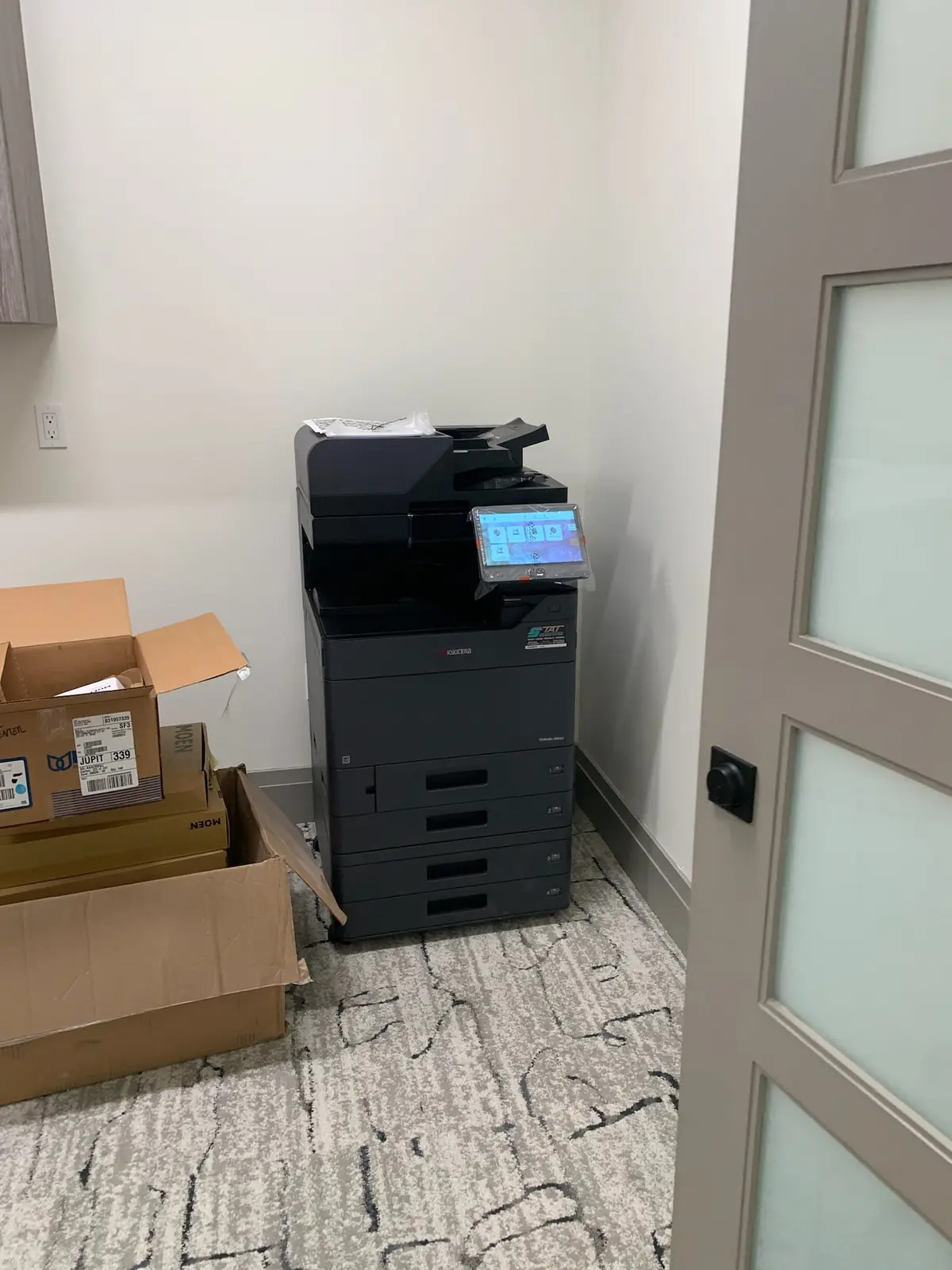
Prepare the new office as a new installation
Do not assume that existing printer settings will work unchanged at the new site. Have the IT provider review the new network, employee computers, print queues and scan destinations. Changes to addressing or access can require configuration even when the copier itself is unchanged.
Document the workflows you need to retain without putting passwords in a move checklist. Identify the approved person who can provide credentials and authorize changes. Back up any required configuration through a method approved for the equipment and your organization.
“Who will be available to approve the network setup and test a real print and scan job at the new office?” Name that person before the relocation window is booked.
Use our copier installation checklist to review placement, access, scanning and staff orientation. Keeping the same equipment does not remove the need for an installation check.
Close the move with a short operational check
At the new office, have an employee print from a normal workstation and scan to the intended destination. Test required trays, two-sided jobs and finishing. Confirm that the copier’s new location leaves enough working space and that employees know which print queue to use.
Check the details that tend to stay attached to the old address: service records, supply deliveries and contact instructions. Identify unused print queues for your IT provider to remove after the new setup is verified. A confusing list of nearly identical device names can send employees back to trial and error.
When a device is being returned or replaced rather than moved, agree on appropriate handling of stored information, address books and access credentials. Use the model-specific process and your organization’s requirements; do not assume that unplugging the machine removes anything stored on it.
Tell us the two locations, target move date and equipment involved. Gold Coast Copiers can review the document-workflow side of your South Florida office move and help identify what must be settled before the moving day.
Office copier moving questions
Can our regular movers transport the copier?
Ask the equipment provider what preparation and handling the specific model requires, and confirm the agreed responsibilities before booking transport. Commercial copiers and attached accessories should not be moved by staff without appropriate equipment and guidance.
Will a copier rental be available for the move?
Availability depends on equipment, timing and location. Request the dates and essential capabilities early, and obtain confirmation of delivery, setup, support and pickup before relying on a rental.
Do we need to test scanning again after moving?
Yes. Test the full workflow at the new location, including the destination, access permissions and the resulting document. Moving the same copier does not guarantee that the network and scan configuration remain suitable.