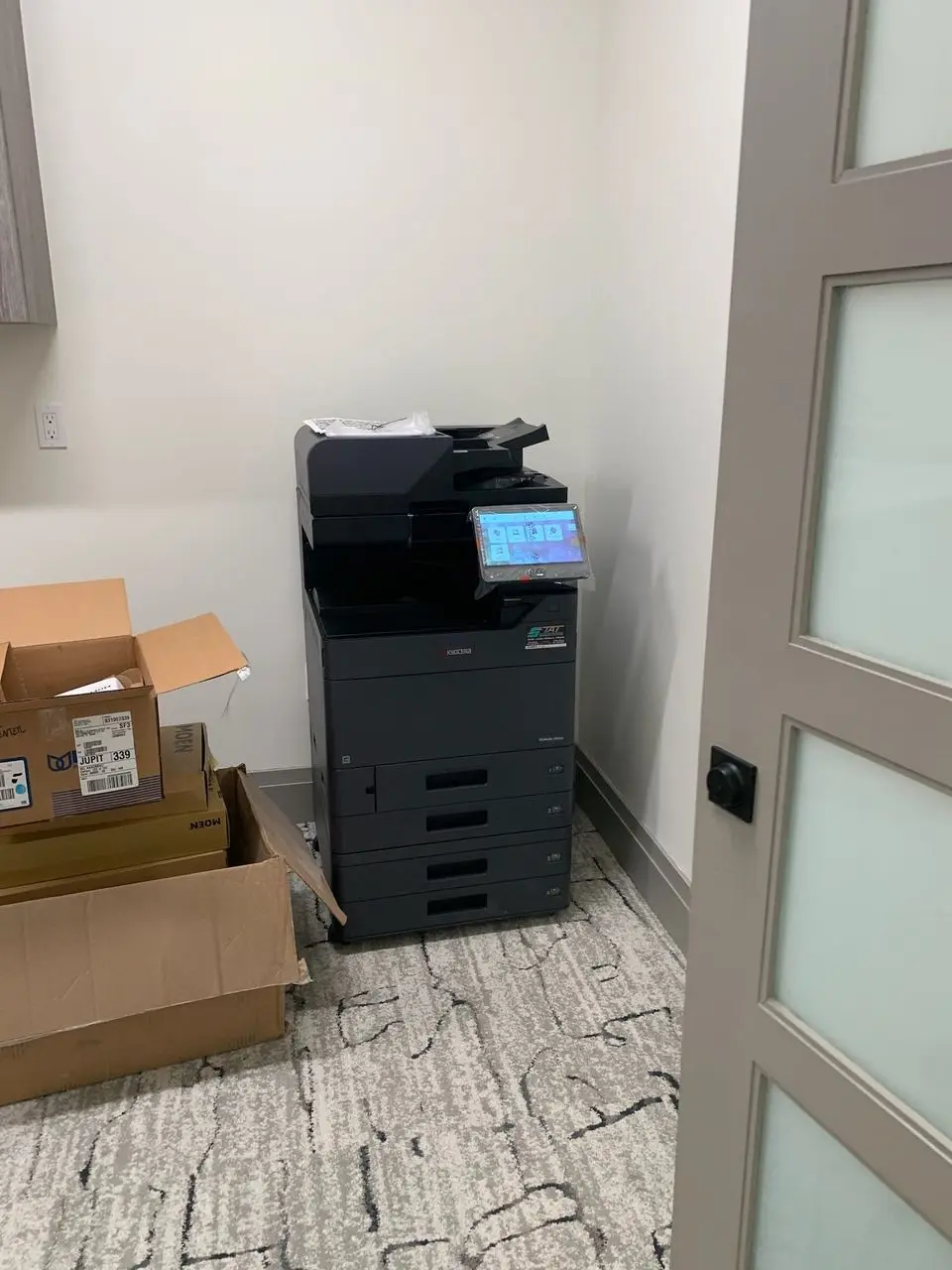
A clean cabinet and a low asking price are not an off-lease copier inspection. Before you buy, find out whether that particular machine can handle your documents, connect to your office and receive practical support. We recommend making the demonstration about your workload instead of watching someone print a perfect sample page.
The label tells you where to begin—not what to buy
Off-lease generally describes a copier returned after an earlier lease. It does not, by itself, tell you the machine’s condition, remaining support or preparation for resale. “Refurbished” also deserves a follow-up question: what work was actually completed on this unit?
Our parent organization, All Florida Technologies, outlines its approach to off-lease copiers through All Florida Copiers, including condition, configuration and support. Inventory changes, so start with your requirements rather than assuming a particular pictured model is available.
Ask for an equipment description identifying the model, serial number, meter readings and included accessories. Treat anything not verified as an open question. A paper tray visible in a stock photograph is not evidence that it comes with the offered machine.
Test one: bring a small, representative document set
Build a test set from the work your office does, using blank forms or redacted examples. Include ordinary text, a two-sided document and any color material that influences the purchase. A medical office’s intake form and a property manager’s owner report place different demands on the output.
Ask to print the set on the actual machine being offered. Look for missing information, repeated marks, uneven areas and pages that are difficult to read. Check that front-to-back orientation is correct and that the document remains usable after finishing. These observations are a reason to ask for a technical assessment, not a substitute for one.
When an issue appears, ask what caused it, what will be corrected and whether the same job can be demonstrated again. Avoid accepting “it only needs toner” as the complete explanation for an untested machine.
Test two: make paper handling part of the demonstration
The standard paper tray is only one part of the workflow. Test the trays, duplex path, document feeder and finishing options you intend to use. A copier that prints single sheets adequately may still be unsuitable for an office scanning document stacks or assembling larger packets.
Bring samples of any special media and ask whether the exact machine supports them. Have the provider use the proper settings and approved feed path. A successful test with ordinary copy paper does not establish that envelopes, labels or heavier stock are appropriate.
Ask which accessories are installed, which are optional and which cannot reasonably be added to this unit. Our guide to copier finishing options explains how to connect those accessories to real document tasks.
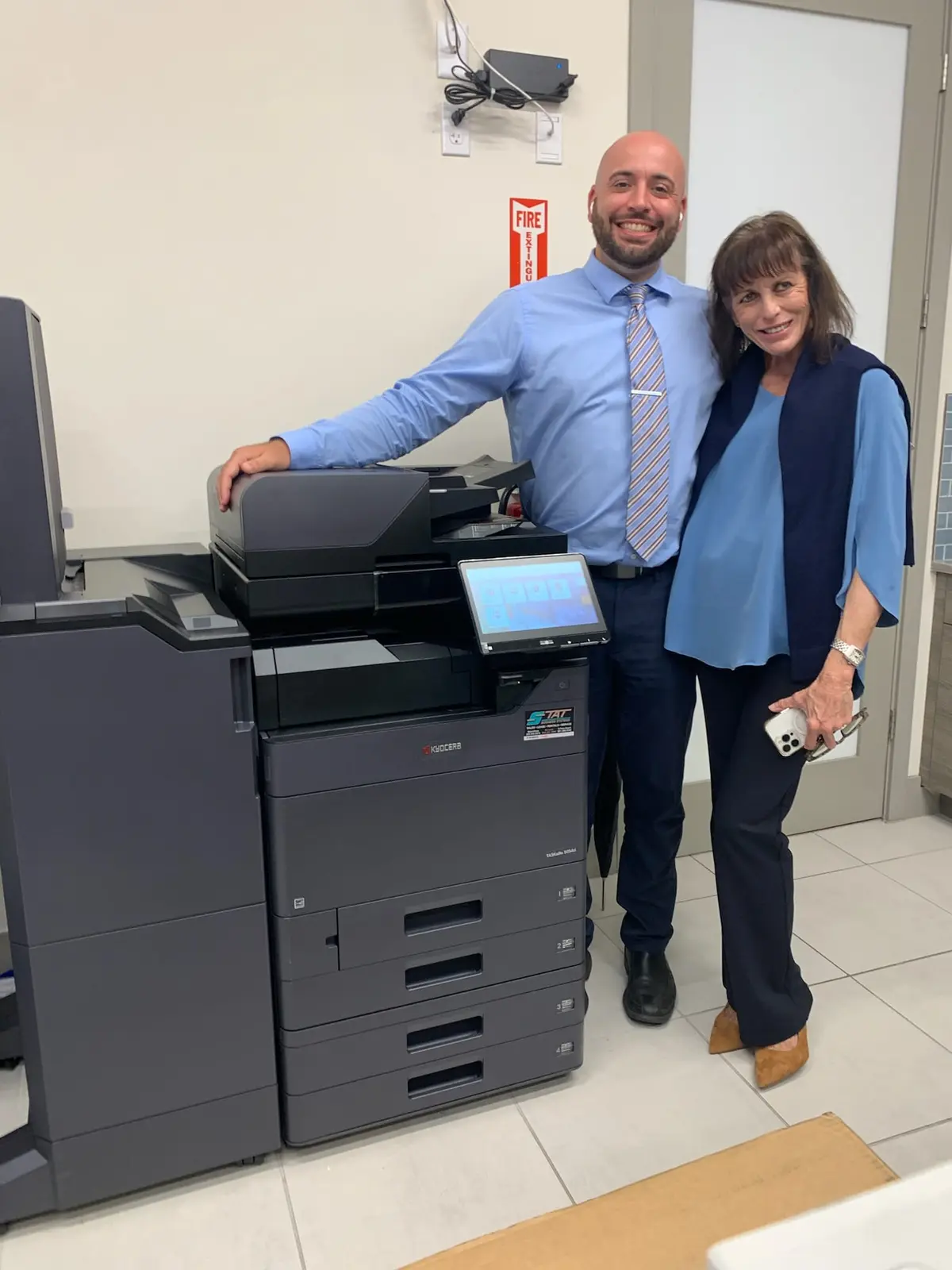
Test three: check where a scan actually lands
Do not stop at seeing an image on the copier screen. Confirm that the proposed scan workflow can produce the file type your office needs and deliver it to an approved destination. Your IT provider should review compatibility and permissions before the sale is finalized.
Where possible, demonstrate the workflow with a nonconfidential document. Check page order, orientation and legibility. If searchable text is required, verify whether that function is available in the proposed configuration and whether it involves separate software or licensing. Do not infer it from the word “scanning.”
Ask how the previous customer’s stored information and configuration were handled, and how administrative access will be transferred. The appropriate procedure depends on the model and storage involved. Your IT contact should approve the handoff; a generic factory-reset statement should not be treated as a complete data-handling record.
The part you cannot test in five minutes: future support
Request the maintenance information available for the machine and an explanation of any preparation already completed. Meter counts provide context, but they do not describe every component’s condition. There is no single page count we can give that makes every used copier a safe or unsuitable purchase.
Then ask who will service the machine after installation. Confirm model support, supplies, parts availability and the scope of any written coverage. Identify responsibility for delivery, network setup and repairs that fall outside the agreement. Keep these answers with the equipment description.
“What would you want checked or replaced before putting this exact copier into our workload?” The answer should concern the individual machine—not only the reputation of its product family.
Compare the complete installed option with a new copier purchase or a lease when appropriate. A lower acquisition price matters only if the machine fits the work and has a workable support path. There is no need to reject off-lease equipment simply because it is not new, or to accept it just because it is discounted.
Tell Gold Coast Copiers what you print, scan and finish, along with your South Florida office location. We can help define the requirement before you decide which acquisition route deserves a closer look.
Off-lease inspection questions
Is a lower meter reading always better?
Not on its own. Evaluate the meter alongside current condition, service information, installed options and the workload the machine will handle. Have the specific unit assessed rather than using a universal pass-or-fail number.
Should an off-lease copier come with a warranty?
Ask what written coverage is offered, who provides it, how long it lasts and what it excludes. Do not assume that the term off-lease includes a particular warranty or maintenance agreement.
Can I test the copier with my own documents?
Request a demonstration using nonconfidential examples of your print and scan work. Confirm whether the exact unit can be tested and document any functions that remain unverified.