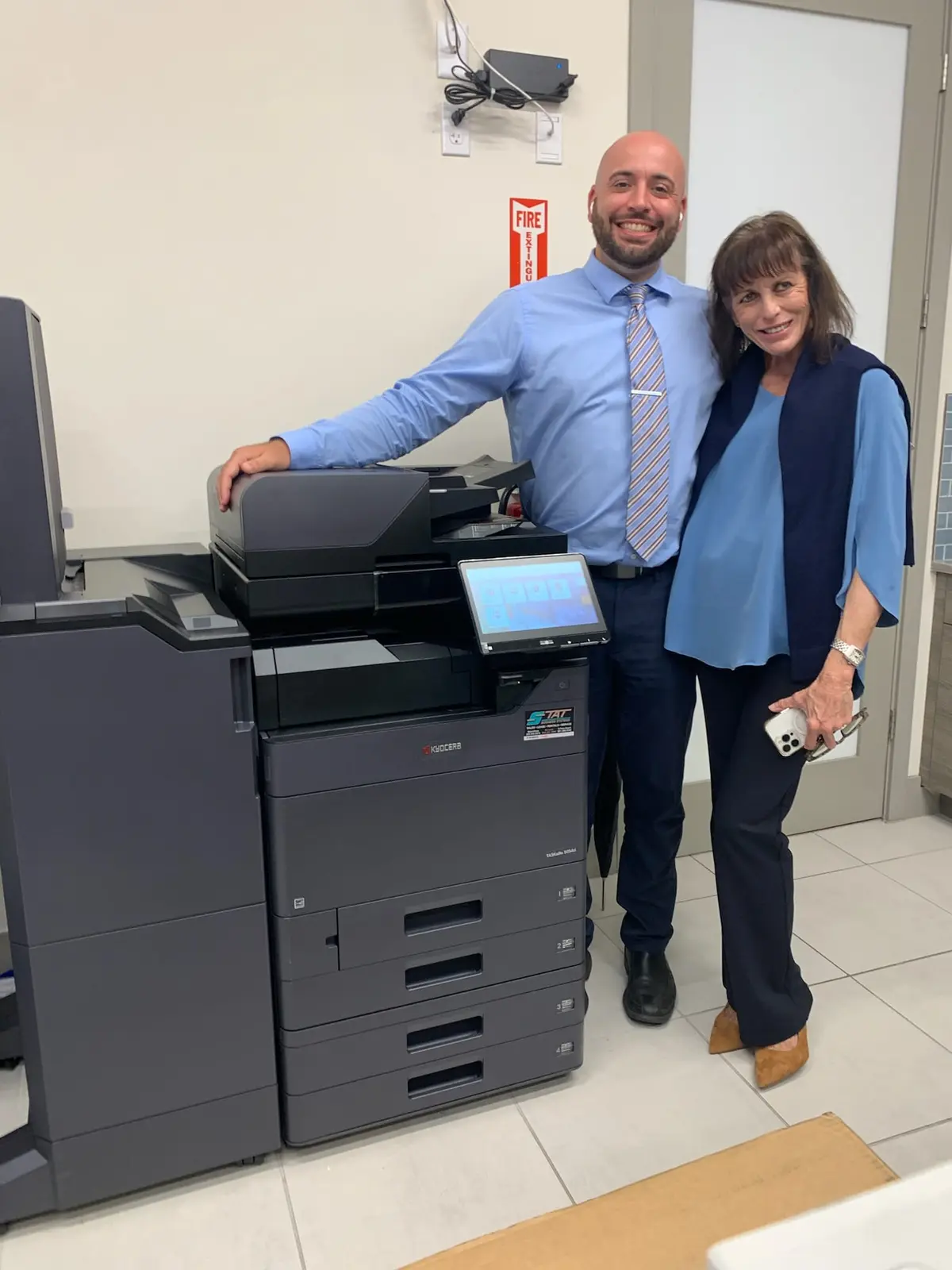
Finishing can turn a copier into a document-production system, but accessories add footprint and cost. The right configuration is based on set thickness, paper size, frequency, delivery method and the employee time currently spent sorting and assembling work.
01
Watch what employees do after pages leave the copier
The need for finishing is visible at tables, counters and supply cabinets. Look for employees counting pages, tapping stacks square, stapling thick packets, inserting dividers or separating jobs that arrived in one crowded tray. Record the document, frequency, number of sets and time involved. A task performed for five minutes once a month may not justify equipment; one repeated for an hour every week may.
Ask where errors happen. Manual assembly can create missing pages, reversed sections and mixed client files. Equipment automation can reduce handling, but quality control remains necessary. The goal is to remove repetitive physical steps while preserving the human review that confirms each set is complete and belongs to the correct matter, project or recipient.
02
Match stapling capacity to the thickest recurring set
Basic finishers can collate and staple common office packets. Larger finishers may handle more sheets, multiple staple positions and higher output capacity. Bring the thickest routine set to the equipment review and identify paper weights. A nominal thirty-page document printed on heavy stock may exceed a finisher designed around ordinary bond paper.
Legal and accounting offices often benefit when long client packets emerge collated and stapled, particularly during deadline periods. Construction teams may use stapling for specifications, safety packages and project administration rather than large-format plans. Confirm whether sets include mixed letter and legal pages, tabs or covers, because those details affect configuration and testing.
| Option | Useful for | Verify before ordering |
|---|---|---|
| Collating | Multiple ordered sets | Set size, output capacity and separation |
| Stapling | Client packets, reports and specifications | Sheet count, paper weight and staple position |
| Hole punching | Binder-ready records | Two/three-hole standard and supported sizes |
| Booklet finishing | Programs, manuals and presentation pieces | Folding, saddle stitch, trimming and media |
| Mailbox output | Separating users or departments | Bin count, capacity and routing behavior |
03
Automate binder and booklet work only when volume supports it
Integrated hole punching can save time for teams that build binders every day and reduce misaligned manual punches. Confirm the organization’s standard and the paper sizes involved. Booklet finishers can fold and saddle-stitch compatible sets, bringing certain manuals, programs and presentations in-house. They also increase footprint and may require specific paper paths or output trays.
Compare in-house frequency with outsourcing. A marketing department producing a recurring training booklet may gain flexibility from integrated finishing. An office that needs one complex booklet each year may be better served by a print provider. Ownership of the workflow includes consumables, setup, proofing and employee skill—not only whether the accessory can technically create the piece.
04
Use output organization to reduce document mixing
A job separator can route copies, prints or faxes to different trays. Mailbox units may assign output bins to people or departments. These accessories can help a shared copier serving several teams, especially where confidential or deadline-driven sets arrive close together. They are not a substitute for secure release when documents must remain protected until the user authenticates.
Design simple routing rules and label bins clearly. If employees cannot predict where a job will appear, the accessory creates a search problem instead of solving one. Test printing from different applications and computers because driver configuration determines whether output options are visible and applied consistently.
- Separate copy, print and optional fax output
- Assign departments only when bins have enough capacity
- Use secure release for sensitive jobs, not open mailboxes
- Label physical bins and driver choices consistently
- Include finishing accessories in user training
05
The finished configuration must fit the room and traffic
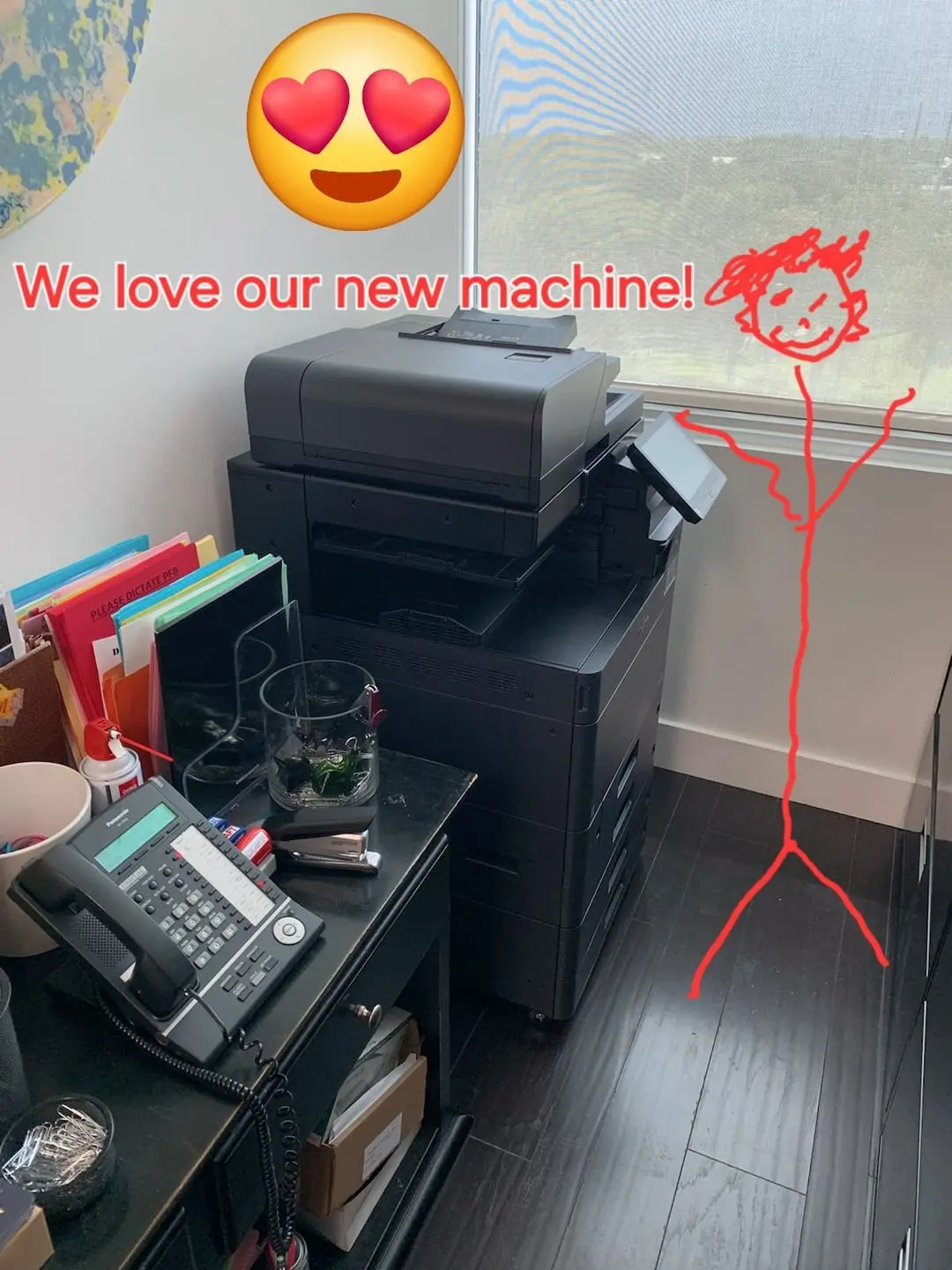
A floor-standing copier can become substantially wider when external finishers and high-capacity paper are attached. Measure the full configured dimensions, service clearance and equipment path. Employees need room to open trays, remove jams, load staples and collect large sets without blocking a hallway or emergency route.
Consider noise and gathering. A productive finisher can encourage several people to assemble work near the device. Provide a nearby surface if sets require review, but keep drinks and loose supplies away from the copier. Good placement supports the workflow created by the accessory rather than treating the machine as an isolated object.
06
Price the labor saved and test every important document
Estimate how often each finishing task occurs and how much hands-on time it consumes. Include rework from missing pages or poorly aligned manual steps. Then compare the accessory cost, footprint and training requirement. Remove features without a recurring use case. A simple internal finisher may create more value than a large production accessory selected because it looked impressive in a showroom.
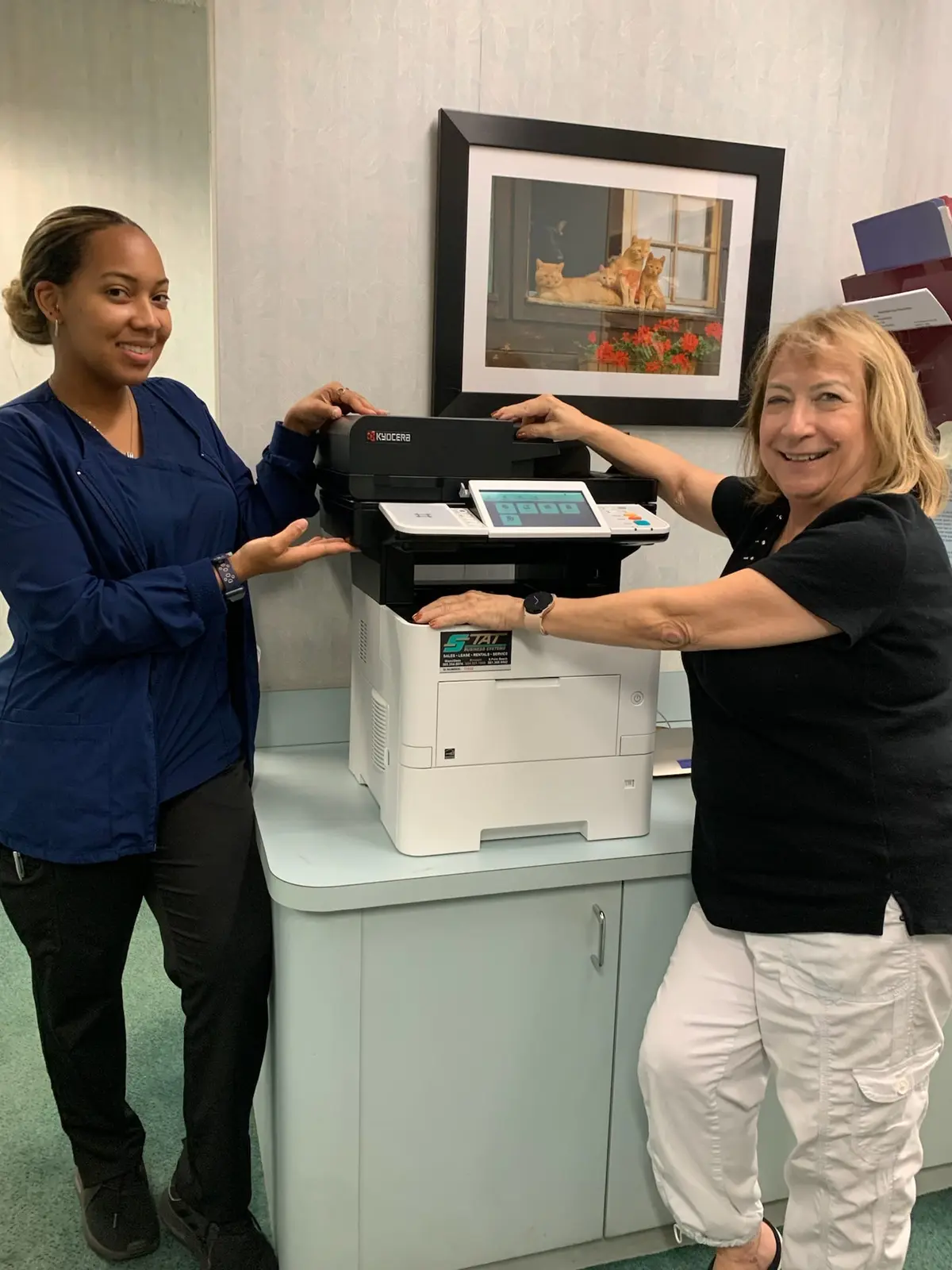
Gold Coast Copiers helps legal, accounting, construction and professional offices across South Florida configure Kyocera multifunction systems for paper handling and finishing. We can test representative documents and explain the space, supply and driver implications before a lease or purchase. The best finishing plan is invisible during a busy day: employees send the job, collect an accurate set and move to the work that requires their judgment.
FAQ
Frequently asked questions
What copier finishing options are available?+
Depending on the model, options can include collating, stapling, hole punching, job separation, mailbox output, folding and booklet finishing. Exact capacity and compatibility vary by configuration.
Is a copier finisher worth the cost?+
It can be when employees repeatedly assemble, staple, punch or separate documents. Compare recurring labor and error reduction with accessory cost, footprint, supplies and training.
Can mailbox output replace secure printing?+
No. Open output bins organize jobs but may still expose pages. Secure release is designed to hold sensitive work until an authorized user is present.