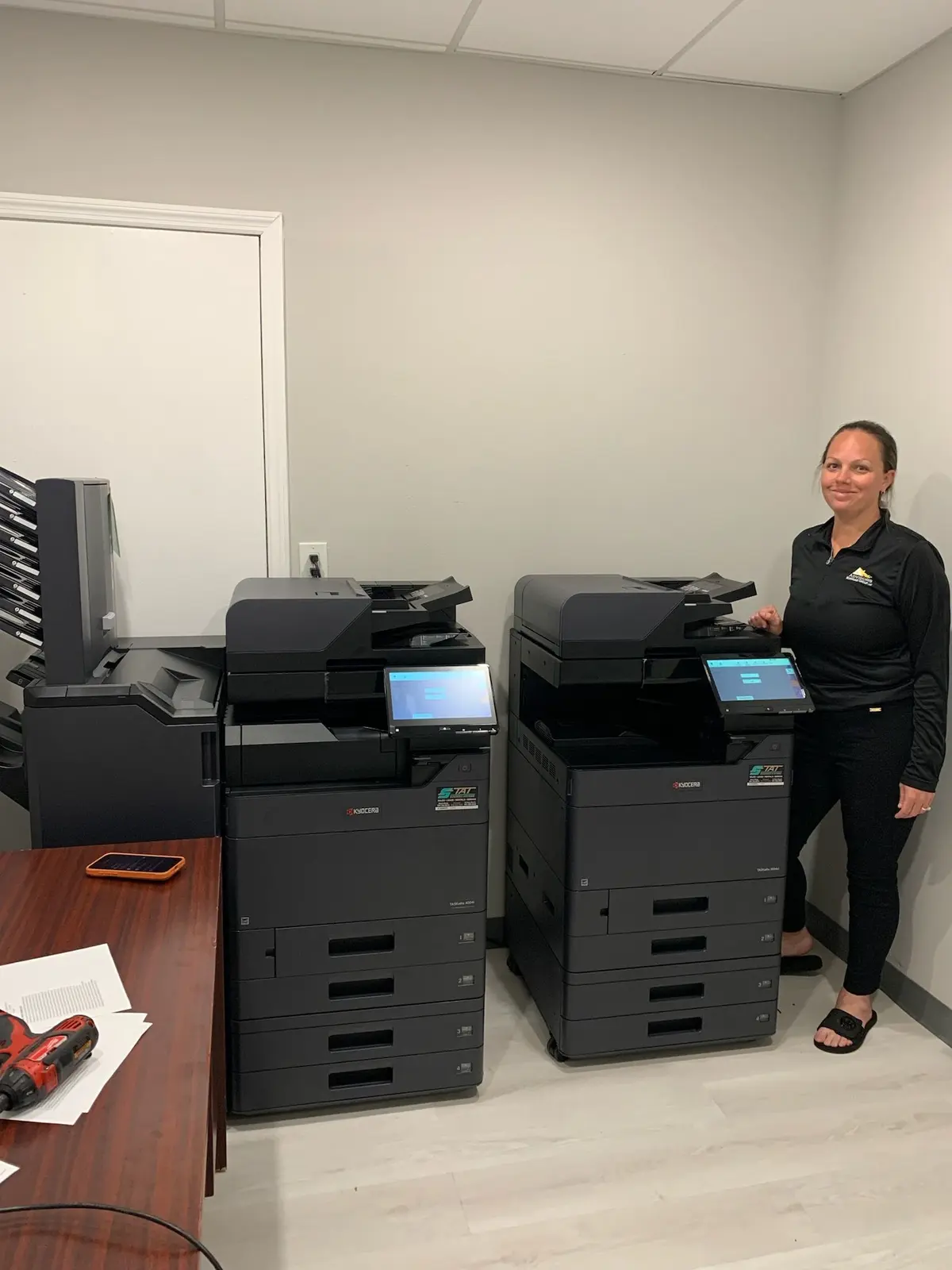
The right repair-versus-replacement decision considers more than one invoice. Copier age, meter, repeat failures, parts support, employee downtime, security and changing workflow determine whether a repair restores useful life or only postpones the next interruption.
01
Diagnose the current failure before making a lifecycle decision
A paper jam caused by damaged media is different from repeated jams caused by worn feed components. A scan-to-email failure after an authentication change is different from a failed scanner assembly. Begin with an accurate diagnosis, current meter and estimate. Ask whether the issue is isolated, whether related components show wear and whether normal service can restore dependable operation.
Avoid replacing equipment solely because of one alarming error code. Commercial copiers are designed to receive maintenance and component replacement. At the same time, avoid approving a large repair without reviewing the machine’s broader history. The invoice in front of you is one data point; the decision concerns the reliability and usefulness expected after the work is complete.
02
Look for patterns across the previous twelve to twenty-four months
List service visits, replaced components and periods of degraded quality. Several unrelated minor calls may be ordinary for a heavily used machine. Repeated visits for the same symptom suggest that the underlying cause, usage or environment needs a deeper review. Include internal time: employees clearing jams, resending scans and moving jobs to other devices can represent more disruption than the repair invoices show.
Compare actual volume with the equipment’s intended workload. An otherwise good copier may be failing because the organization outgrew it. Conversely, a high-capacity system may have become unnecessarily complex after a department downsized. The decision can lead to repair, replacement or a different equipment class; it should not assume that the new machine must resemble the old one.
- Number and cause of recent service calls
- Meter growth and peak monthly workload
- Time employees spend on workarounds
- Quality and performance after prior repairs
- Whether the current device still fits the department
03
Parts, firmware and drivers can decide the question
A mechanically repairable copier may still be a poor long-term asset if major parts are difficult to obtain or the manufacturer no longer supports current operating systems and security requirements. Ask whether the quoted part is new, remanufactured or sourced from limited inventory and whether other high-wear components are approaching expected replacement. No dealer can promise that every part remains available indefinitely.
Review driver and scan compatibility with the organization’s technology plan. A device that works today may require fragile exceptions after server, email or workstation upgrades. If IT must preserve outdated protocols solely for the copier, replacement can remove operational and security debt that does not appear on the service estimate.
04
Calculate cost over the next useful period—not just this week
Estimate the current repair, likely near-term maintenance, service coverage, supplies and expected downtime for the period you hope to keep the device. Compare that range with a replacement lease or purchase that includes the configuration and support the office actually needs. Include delivery, network setup, training, old-equipment removal and any remaining lease obligation.
Simple percentage rules can start a conversation but should not make the decision alone. A $2,000 repair on a specialized productive system may be sensible; a smaller repair on an unsupported device with repeated failures may not. Cash flow, ownership preference and timing matter, but so does the probability that each option will keep employees productive.
| Signal | Repair may make sense | Replacement may make sense |
|---|---|---|
| Failure | Isolated and well understood | Recurring or affects several systems |
| Parts | Readily available with support | Limited, delayed or unsupported |
| Workflow | Current device still fits | Scanning, paper or security needs changed |
| History | Stable after normal maintenance | Rising service frequency and downtime |
| Economics | Reasonable cost for useful life gained | Repair only postpones predictable replacement |
05
Replacement should solve documented problems
New equipment is not automatically better for the business. Write down the outcomes a replacement must deliver: faster two-sided scanning, secure release, dedicated paper drawers, lower color waste, current authentication or reliable finishing. Test those workflows before ordering. If the proposed device only produces pages faster while employees struggle with the same scan and filing process, the opportunity has been missed.
Plan adoption and transition costs. Address books, user codes and scan destinations require migration and testing. Employees need basic orientation, and IT should know the installation date and network requirements. A well-executed replacement removes an old source of friction without creating a new one during rollout.
06
Ask a local provider to show the reasoning both ways
A credible recommendation should explain what a repair is expected to restore, how long parts support is likely to remain practical and which risks continue. A replacement proposal should identify why its configuration fits the current workload and disclose acquisition, service and end-of-term assumptions. Ask for both paths when either remains reasonable.
Gold Coast Copiers evaluates commercial copier problems across Broward, Miami-Dade and Palm Beach. Our local team can assess supported equipment, service history, workflow and available Kyocera replacement options. We do not treat every error as a reason to replace or every repair as a reason to keep an aging machine. The best decision gives the office dependable useful service at a justifiable total cost.
FAQ
Frequently asked questions
How old is too old to repair an office copier?+
Age alone does not decide. Meter, service history, parts availability, security support, workflow fit and the useful life expected after repair all matter.
Should we replace a copier after one expensive repair?+
Not automatically. Get an accurate diagnosis and compare the repair’s expected benefit with service history and future risks. A large isolated repair can still be rational on a supported well-matched system.
Can a copier dealer evaluate equipment it did not sell?+
Often, yes, depending on brand, model, age and parts availability. Provide the model, meter, error, history and current service agreement so the provider can assess options.