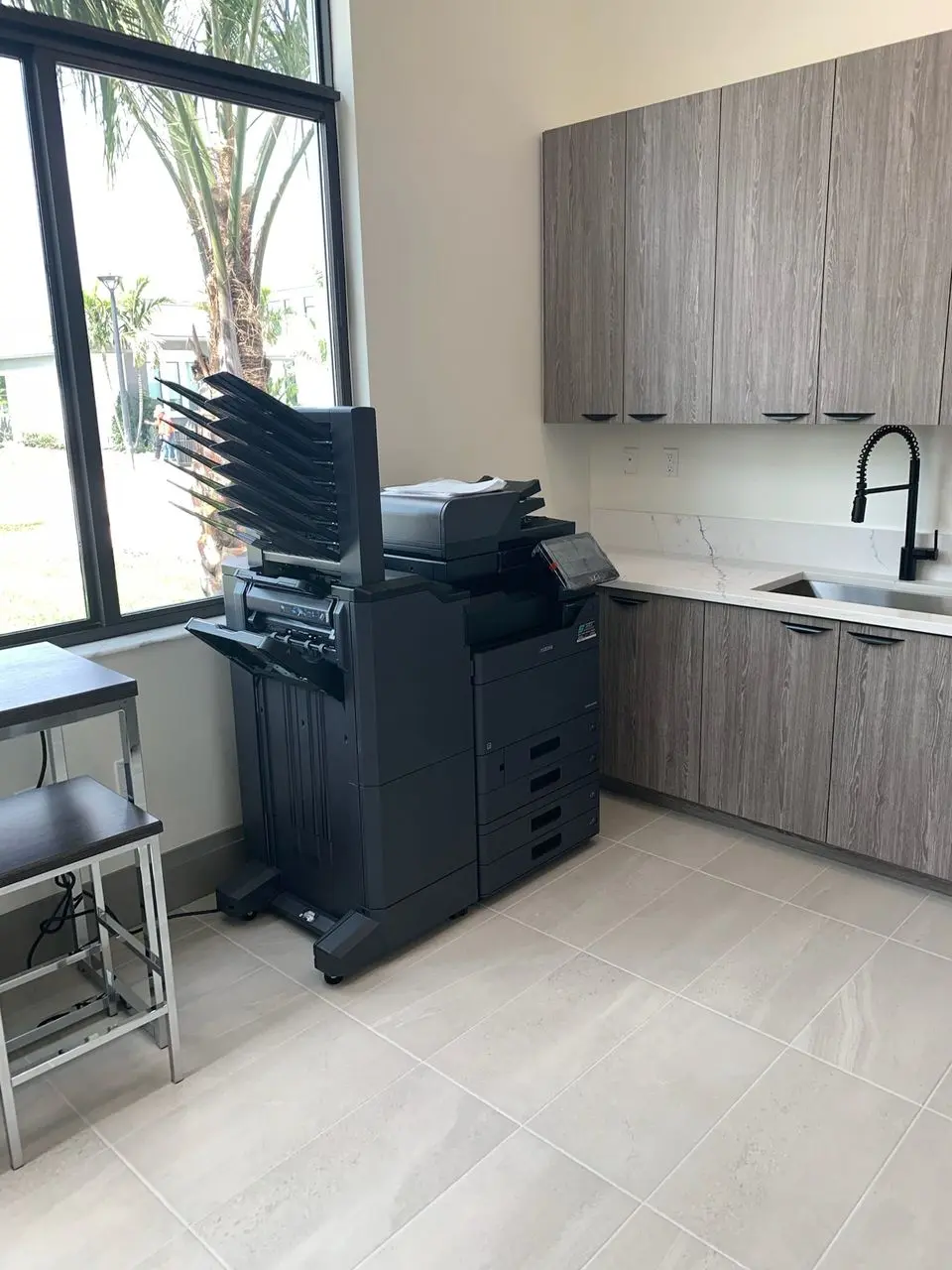
When a leased copier is collected, the office often concentrates on access, timing and making room for the replacement. Data handling deserves its own handoff. Stored files, address books and credentials should not be left for the moving crew to interpret.
Plan this with your IT contact, the equipment owner and the servicing company before collection day. The correct process depends on the model, its storage and the contract. This guide is a practical planning checklist, not an instruction to dismantle or erase a leased machine yourself.
Assign responsibility before the truck arrives
Name the person authorized to approve data handling and the technician responsible for carrying it out. Confirm the agreed method, timing, cost and evidence of completion. Ask who owns the storage media and whether retaining or replacing it affects the return terms.
The FTC's copier-data guidance explains that stored information can remain on digital copiers and recommends working with skilled technicians at disposal or return. The process should be matched to current manufacturer guidance for your device, rather than a generic reset instruction found online.
Separate records you need from settings you can replace
Have the authorized department owner identify any business records that must be preserved. Check retention requirements and legal holds before deleting anything. If the device contains documents that need to be exported, agree a secure destination and verify access before the old device leaves.
For configuration, record only what the replacement team needs. An address book can contain personal information; do not circulate a full export casually. Credentials belong in the organization's approved credential system, not a spreadsheet attached to the equipment collection request.
Create a return-day evidence sheet
- Device model, serial number and location.
- Equipment owner and collection reference.
- Approved data-handling method and responsible technician.
- Record-retention sign-off from the business owner.
- Completion date and any technician documentation.
- Final meter reading and condition record.
- Collector identity, pickup date and receipt.
Keep the data-handling confirmation and collection receipt together. A receipt that a truck collected the copier is not proof that its storage was sanitized. Equally, a completed data process does not prove that the lease-return obligations have been met.
Check the surrounding systems
Ask IT to review old queues, device accounts, connectors and monitoring entries after the handoff. Remove or update them through the normal change process so staff do not keep sending documents to an unavailable destination. Test the replacement workflow with dummy material before returning ordinary work to it.
Do not remove a drive or alter hardware without the owner's approval. A device may need its storage or firmware to operate, and unauthorized changes can create a separate return problem.
Put the requirement in your next proposal
A future equipment proposal should explain who handles end-of-use data and what is included. STAT's leasing questions provide a useful starting point for comparing equipment, service and return responsibilities. Request the specific data-handling terms in writing rather than assuming they are part of routine collection.
The best handoff is one where the business, IT contact, service provider and collector each know what has been completed and what remains.