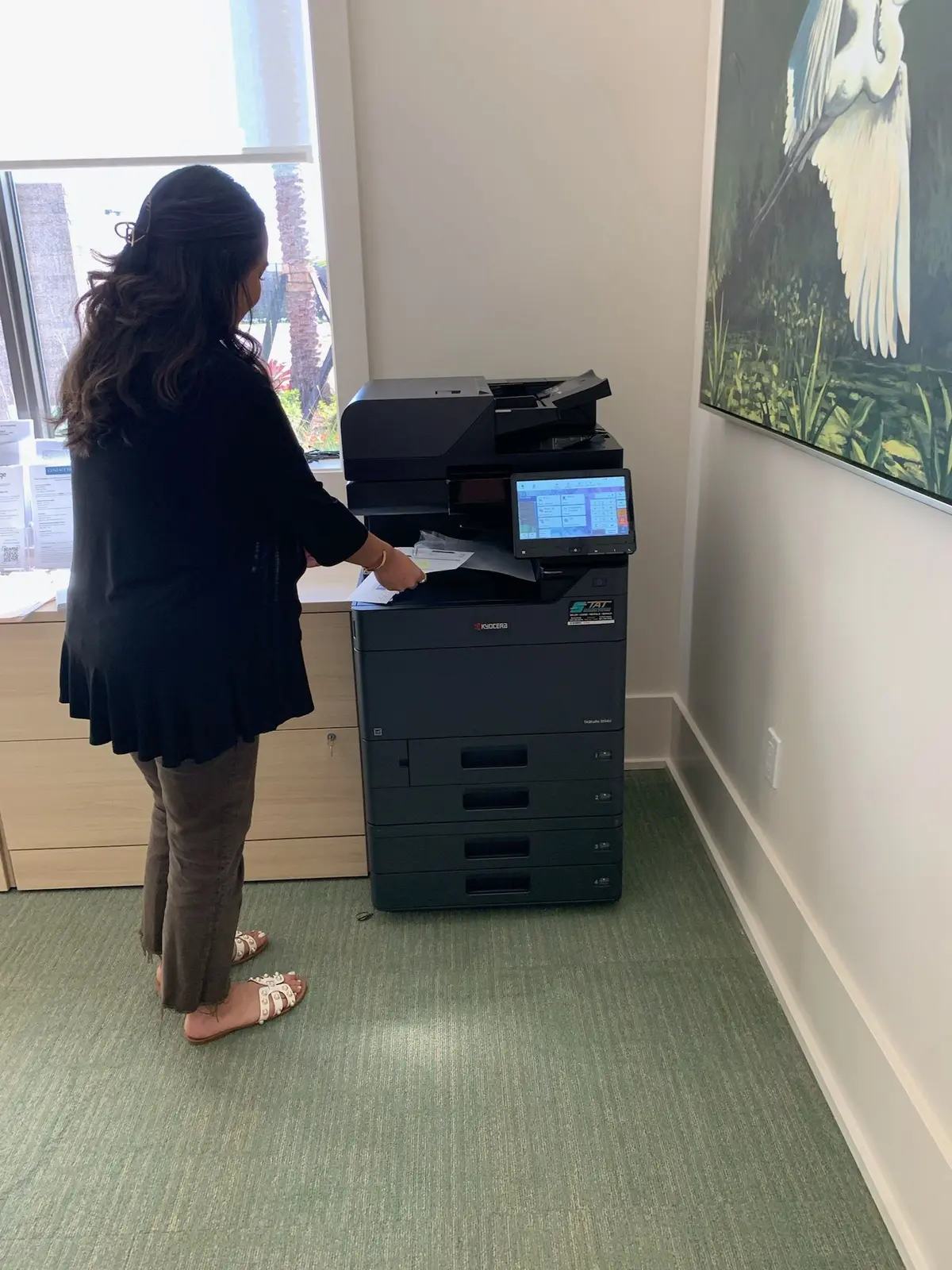
A copier outage is more disruptive when nobody knows which jobs can wait or where urgent work should go. You do not need to switch off working equipment to prepare. A short tabletop exercise can reveal whether your office has a usable fallback or just assumes that someone will find another printer.
For a South Florida office, the same exercise can support planning for a move, an equipment replacement or an unexpected interruption. It does not replace a broader business-continuity plan, but it gives the print and scan part of that plan a practical owner.
Name the essential tasks
Ask each department for one document task that cannot easily stop. Examples might include a dispatch packet, a customer handover document or scanning incoming forms. Record the minimum acceptable output, who needs it and how long the work can wait. Do not assume every job needs the main copier's full feature set.
Separate printing from scanning. A backup printer may solve output needs while leaving an intake team without a way to capture documents. A proposed alternative must address the actual task, not simply have paper in a tray.
Choose approved fallback routes
Options may include another supported device, delaying a nonurgent batch, using an approved electronic process or arranging temporary equipment. Confirm capacity, supplies and access before listing an option. A device in a locked department is not a usable fallback for every employee.
Keep confidential material within approved systems. Do not send sensitive records to personal email or an unapproved outside print service because the normal device is unavailable. Your IT or compliance owner should approve alternatives for that work.
Walk through one realistic scenario
Use this exercise without deliberately breaking the copier:
- The main device becomes unavailable before a scheduled packet run.
- The office contact identifies the urgent jobs and pauses duplicate submissions.
- One employee tests an approved sample on the backup route.
- The service contact reports the device model, serial number and visible symptom.
- A manager tells affected staff which jobs can proceed and which must wait.
- When normal service returns, someone reconciles pending jobs to prevent duplicates.
Write down where the team hesitates. That is the useful output of the drill. A missing driver, expired permission or unknown supply location is easier to fix before a real interruption.
Clarify service expectations in writing
Keep the support number, account details and covered equipment list accessible to authorized staff. Check the agreement for support hours, response commitments, exclusions and any temporary-equipment arrangements. Do not assume a loaner or guaranteed repair time is included.
Gold Coast's copier repair and service page explains the kinds of commercial-device problems the team reviews. Providing a clear symptom and location helps begin that conversation; it does not establish an arrival time.
Review after changes
Repeat the walkthrough when you replace equipment, change office access or introduce a new document workflow. Keep the plan brief enough that a substitute office manager can follow it. If the fallback repeatedly proves inadequate, include that requirement in the next equipment proposal rather than relying on staff improvisation.
A good plan ends with names, routes and decisions your team can actually use on a busy day.