TASKalfa and ECOSYS are not simple good-better choices. TASKalfa A3 multifunction systems typically serve broader paper, finishing and shared-workgroup needs, while ECOSYS A4 devices can deliver focused performance in a smaller footprint. The right family depends on documents and placement.
01
Think A3 shared platform versus focused A4 device
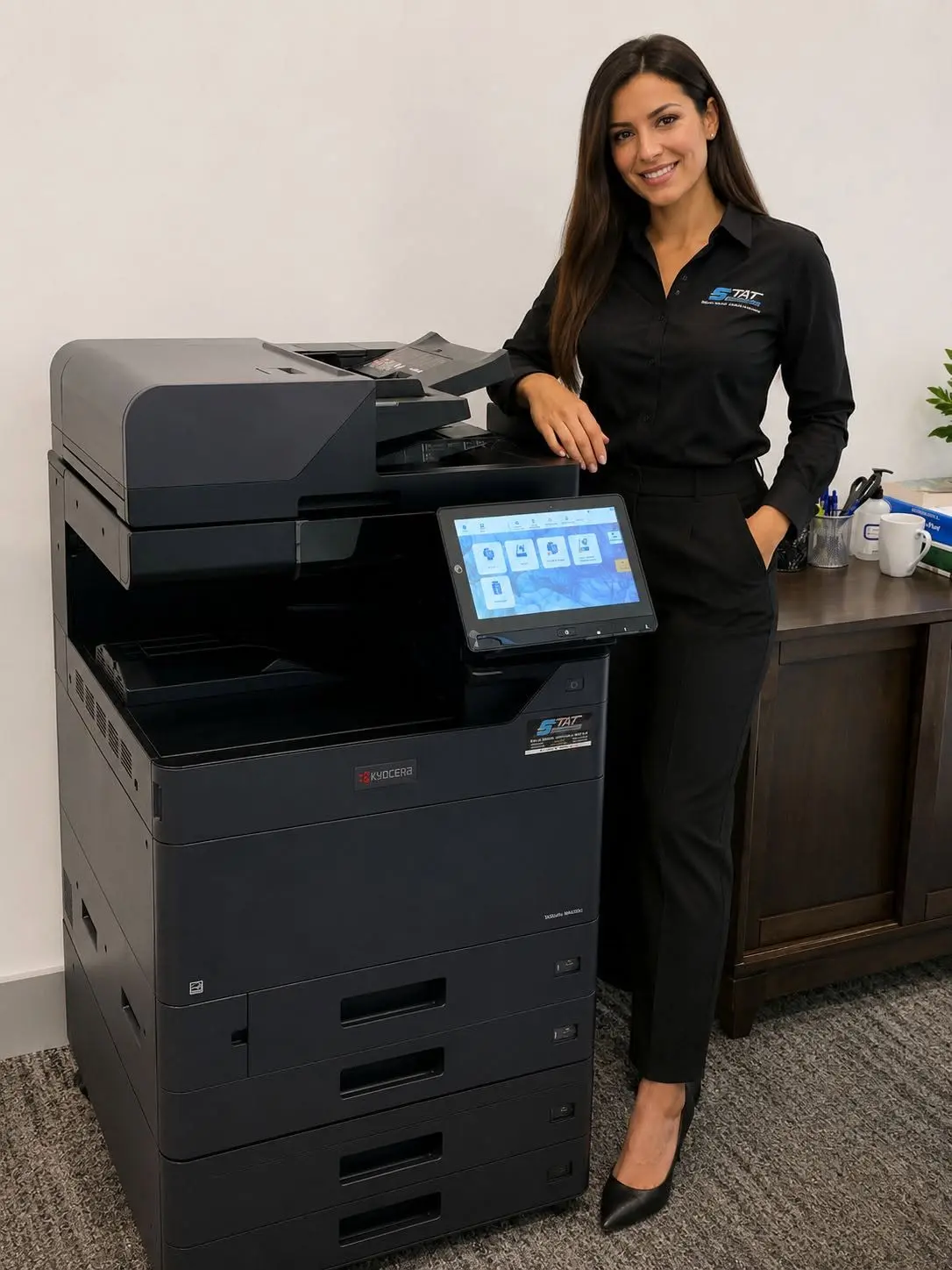
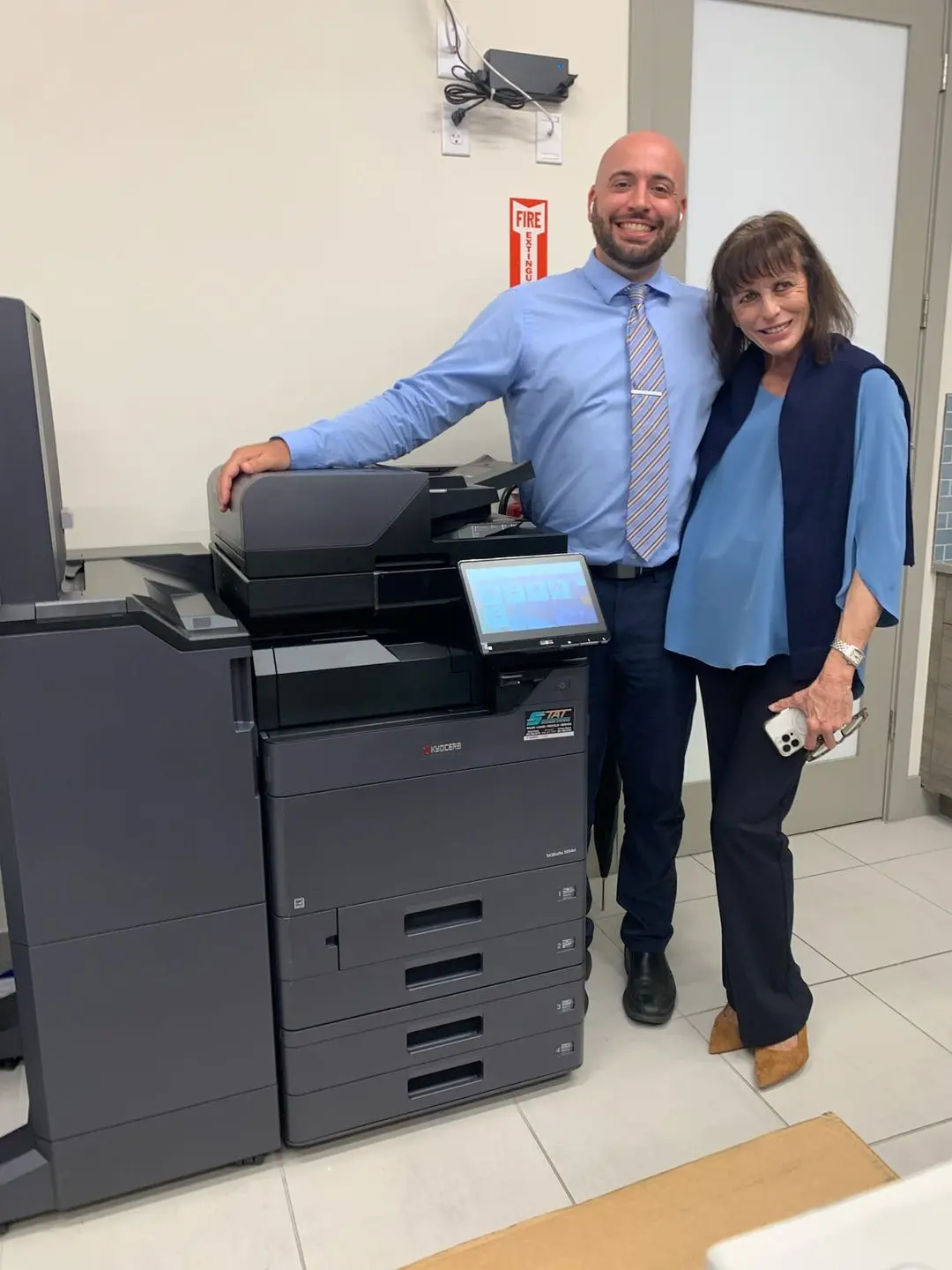
Kyocera TASKalfa includes floor-standing multifunction systems designed for shared office workflows and, in many models, paper up to 11 by 17 inches or 12 by 18 inches. Configurations can add substantial paper input, high-capacity document feeding and finishing. ECOSYS includes compact printers and MFPs, many centered on letter and legal output, with capabilities suited to individual departments and workgroups.
There is overlap. A fast ECOSYS monochrome MFP can outperform an older floor-standing copier in a focused workflow, while a midrange TASKalfa may be chosen for paper flexibility rather than extreme volume. Compare specific current models and accessories after identifying the requirement. Product families organize the conversation; they do not replace configuration work.
02
Paper size and finishing often make the decision quickly
If employees regularly produce 11-by-17 spreadsheets, plan excerpts, folded brochures, booklets or large stapled sets, an A3 TASKalfa configuration is the natural area to explore. Extra drawers can remain dedicated to different sizes or stocks, and finishing options can reduce manual assembly. Confirm media weight and accessory compatibility for the exact model rather than assuming every TASKalfa supports every job.
When nearly all work is letter and legal paper, an A4 ECOSYS system may provide the required speed, duplexing, scanning and security in less space. It can fit a reception area, department or satellite office where a full A3 platform would be unnecessary. Measure output requirements over a full year because an occasional larger job may be outsourced more economically than financing permanent capability.
| Decision area | TASKalfa direction | ECOSYS direction |
|---|---|---|
| Paper | A3 and broader media flexibility | Primarily letter and legal A4 workflows |
| Finishing | Expanded stapling, punching or booklet options | Simpler output handling |
| Placement | Central shared device with service clearance | Department or workgroup footprint |
| Users | Many users and varied jobs | Focused team or defined application |
| Fleet role | Consolidating document hub | Distributed access or specialty workgroup |
03
Do not assume the larger cabinet has the only strong scanner
Current ECOSYS MFPs can offer productive dual-sided document capture, while TASKalfa configurations can support higher-capacity feeders and broader original sizes. Compare images per minute, feeder capacity, mixed-original handling, searchable PDF options and scan destinations for the exact proposed device. A team digitizing long two-sided files may care more about scan throughput than print speed.
Bring damaged, colored and mixed-size originals to a test. Evaluate file readability and the number of steps required to reach an approved destination. If the organization uses badge authentication or cloud workflows, confirm licensing, compatibility and IT requirements. Scanning is a complete process, not one specification in a brochure.
04
Use comfortable monthly workload and peak demand
TASKalfa systems are often selected for larger shared workloads, but device size should not be based on employee count alone. Collect current meters, scan activity and peak-day queues. An ECOSYS device may be an excellent fit for a busy focused team, while a TASKalfa can consolidate several devices where paper capacity and finishing create efficiency.
Consider growth and backup access without oversizing. A distributed plan with two appropriately placed ECOSYS devices may provide practical redundancy. A single TASKalfa may reduce supply types and support steps. Compare the cost and risk of the whole design, including service, toner, drivers and what employees do when a device is unavailable.
- Measure print, copy and scan activity separately
- Identify busy periods and simultaneous users
- Document larger paper and finishing requirements
- Compare one central device with distributed access
- Leave reasonable capacity for known growth
05
Apply security and fleet standards to either choice
Both families include networked business devices that should be configured with controlled administration, supported firmware and the security features appropriate to the organization. Discuss authentication, secure print, encryption, logging and device management for the exact model. Smaller physical size does not make an ECOSYS device outside IT governance, and a TASKalfa badge does not configure security automatically.
Fleet consistency may influence selection. Standardizing on a manageable set of Kyocera platforms can simplify drivers, supplies and user experience, but only if the devices remain suited to their roles. Avoid forcing every department into one model merely to create uniformity. Standardize the support approach while allowing justified workflow differences.
06
Build a short list with a local authorized dealer
Prepare sample files and a requirement sheet before comparing models. Include monthly volume, largest originals, paper stocks, scan destinations, finishing, security, space and connection details. Ask the dealer to explain why each accessory is present and what changes if it is removed. The result should be a small number of configurations that can be tested, not an overwhelming catalog.
Gold Coast Copiers provides authorized Kyocera solutions throughout Broward, Miami-Dade and Palm Beach. We can compare current TASKalfa and ECOSYS options for leasing or purchase and coordinate installation with your IT team. The better family is the one that handles your recurring jobs cleanly, fits the available space and remains practical to support through its planned lifecycle.
FAQ
Frequently asked questions
What is the main difference between Kyocera TASKalfa and ECOSYS?+
TASKalfa commonly covers shared A3 multifunction workflows with broader paper and finishing options. ECOSYS commonly serves focused A4 printer and MFP needs in a smaller footprint. Exact models vary.
Can an ECOSYS MFP replace a floor-standing copier?+
It can when letter and legal output, scanning, volume and paper capacity fit the model. It may not replace A3 paper, high-capacity finishing or heavier shared-workgroup requirements.
Is TASKalfa always more expensive than ECOSYS?+
Configurations and agreements vary. Compare acquisition, accessories, service, supplies and workflow value rather than assuming cost from the product family alone.