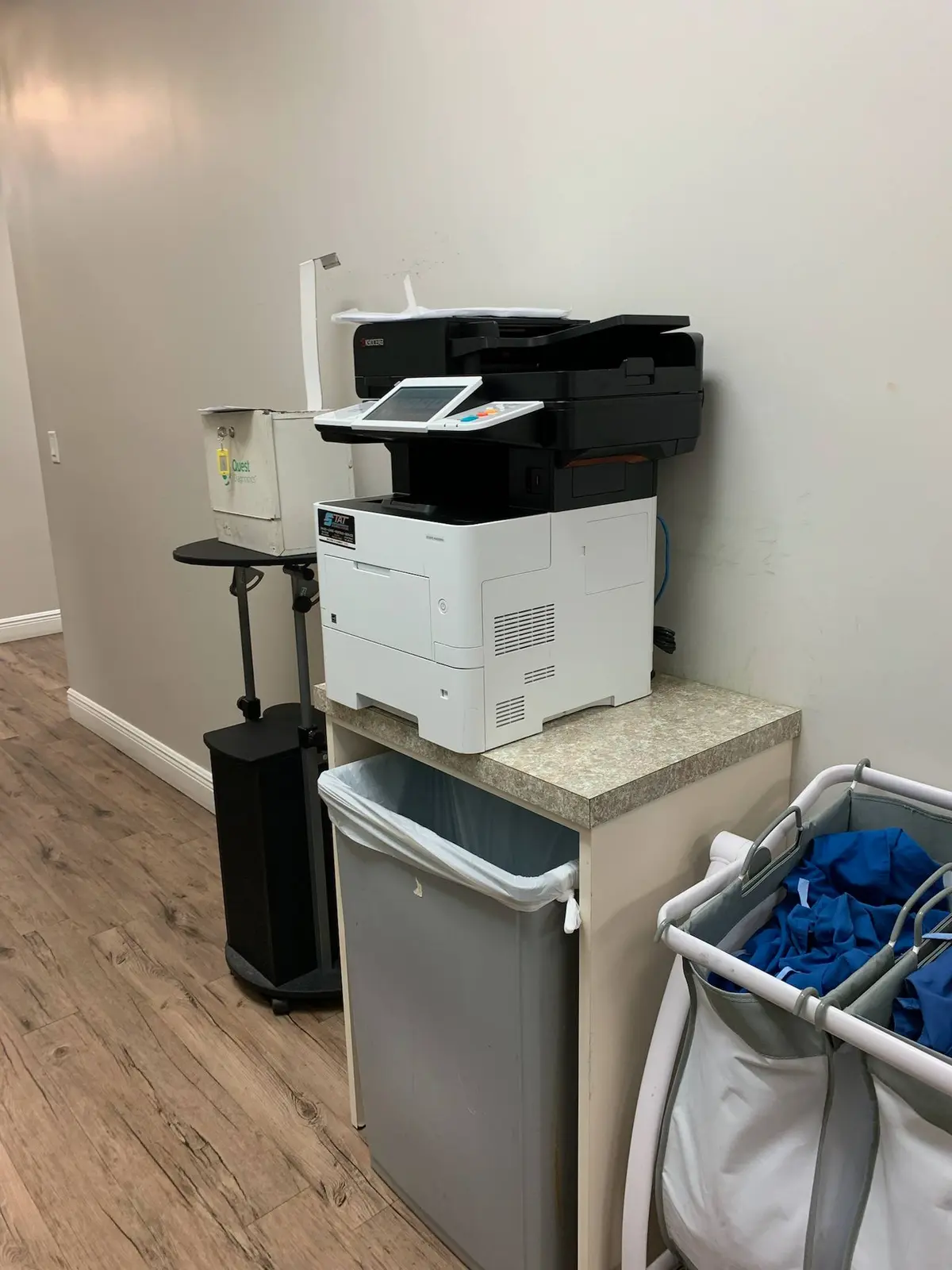
Paper absorbs and releases moisture as the surrounding air changes. In South Florida, humid storage, open wrappers and temperature swings can contribute to curl, sticking and feeding problems, but repeated jams can also signal worn parts, incorrect media or loading errors.
01
Paper is responsive to the room around it
Office paper is manufactured to move through equipment within a reasonable moisture range. When it absorbs humid air, sheets can become wavy, curl at the edges or cling together. When very dry air or rapid temperature change affects it, static and curl can appear in different ways. A copier must separate one sheet, move it accurately and apply heat, so small physical changes can become visible during feeding or output.
Humidity is not an automatic diagnosis. A worn roller, damaged tray, incorrect paper setting, torn scrap or overloaded drawer can create similar symptoms. Use the environment as one part of troubleshooting. Record the tray, paper type, time of day and jam location before deciding Florida weather is responsible for every misfeed.
02
Keep paper wrapped, flat and inside conditioned space
Store unopened reams in their moisture-resistant wrappers until needed. Keep cartons off concrete floors and away from exterior doors, windows, plumbing and warehouse areas that experience large temperature swings. Stack paper flat on a stable shelf. Leaning or placing heavy uneven objects on reams can deform edges before the sheets reach the copier.
Allow paper delivered from a hot or humid environment to acclimate in the office before opening and loading it. Do not overstock months of supply in an unsuitable room simply to reduce ordering frequency. A smaller rotation of well-kept paper often produces better results than a large inventory exposed to changing conditions.
- Leave reams sealed until they are needed
- Store cartons flat and off the floor
- Use climate-controlled interior space
- Rotate stock instead of keeping old opened reams
- Acclimate new deliveries before loading
03
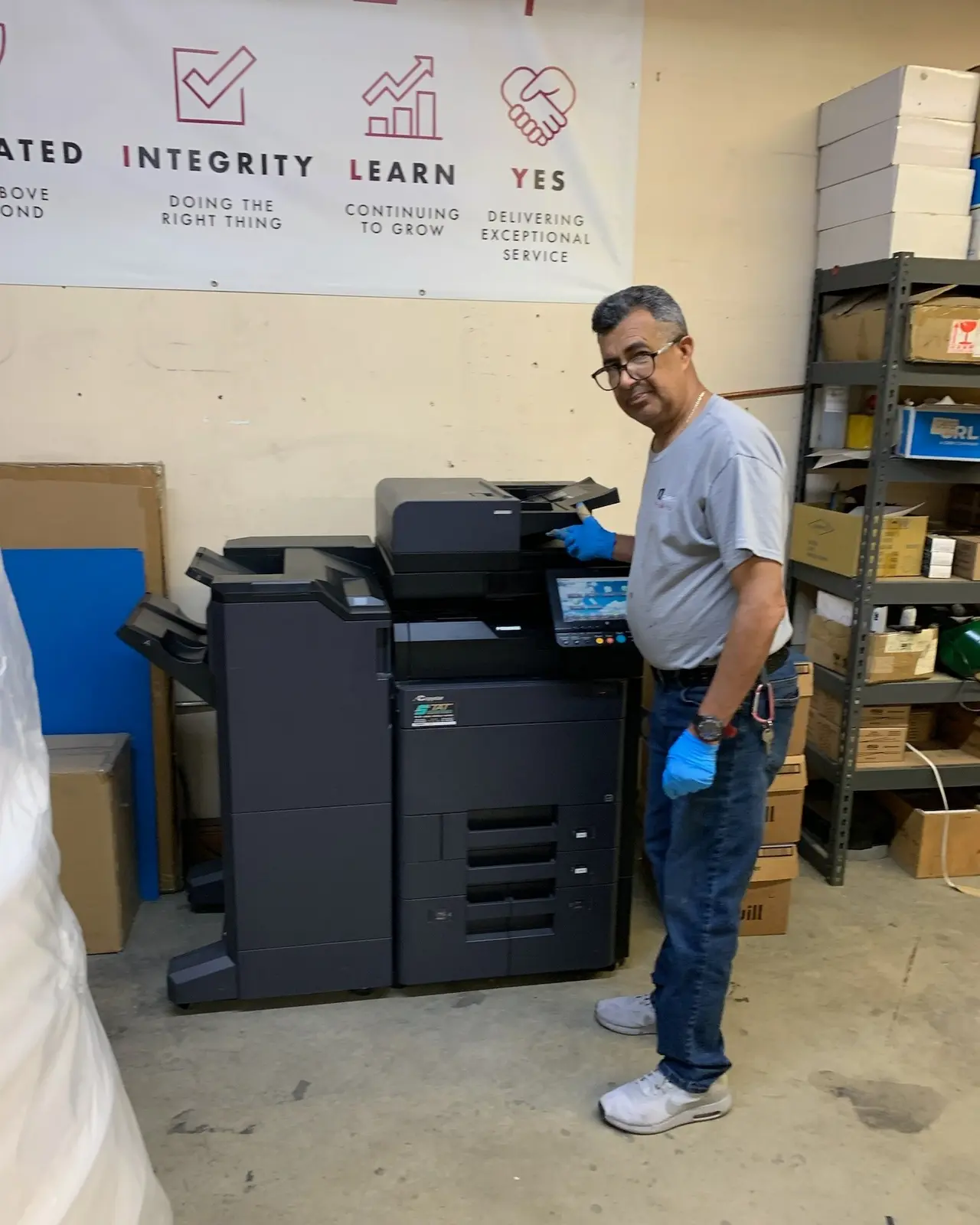
Match the tray, guides and device setting to the media
Square the stack gently and keep it below the tray’s fill line. Adjust guides so they support the paper without bending it. Confirm that the copier’s tray setting matches the actual size and type, especially when using heavy stock, labels, envelopes or preprinted forms. The device changes its feed and imaging behavior based on those settings; choosing plain paper for every material can create jams or poor output.
Do not mix paper from several open reams with visibly different curl or condition in one tray. If a problem begins immediately after a new package is loaded, test a fresh known-good ream before changing equipment settings. Note whether reversing the stack changes the symptom, but follow manufacturer guidance and avoid improvised fixes that introduce powder, moisture or foreign material into the machine.
| Symptom | First safe check |
|---|---|
| Several sheets feed together | Fresh wrapped paper, correct guides and tray fill |
| Edges curl after printing | Media condition, type setting and room environment |
| Jam repeats in one tray | Paper stack, guides and tray-specific feed path |
| Labels or heavy stock jam | Approved media, orientation and bypass settings |
| Problem follows every ream | Professional inspection of rollers and paper path |
04
Follow the screen and remove every fragment
Use the device’s illustrated instructions and open only the indicated covers. Pull paper in the recommended direction with steady pressure; forcing it backward can tear the sheet or damage sensors and guides. Internal areas may be hot. If the paper resists or is wrapped around a component, stop and request service rather than using tools inside the copier.
A small torn corner can trigger another jam immediately. Check the full sheet against the original size and inspect the indicated accessible area for scraps. Close every cover firmly and send a short test. Avoid launching the original hundred-page job until the device completes several simple pages correctly.
05
Repeated location and timing patterns point beyond paper
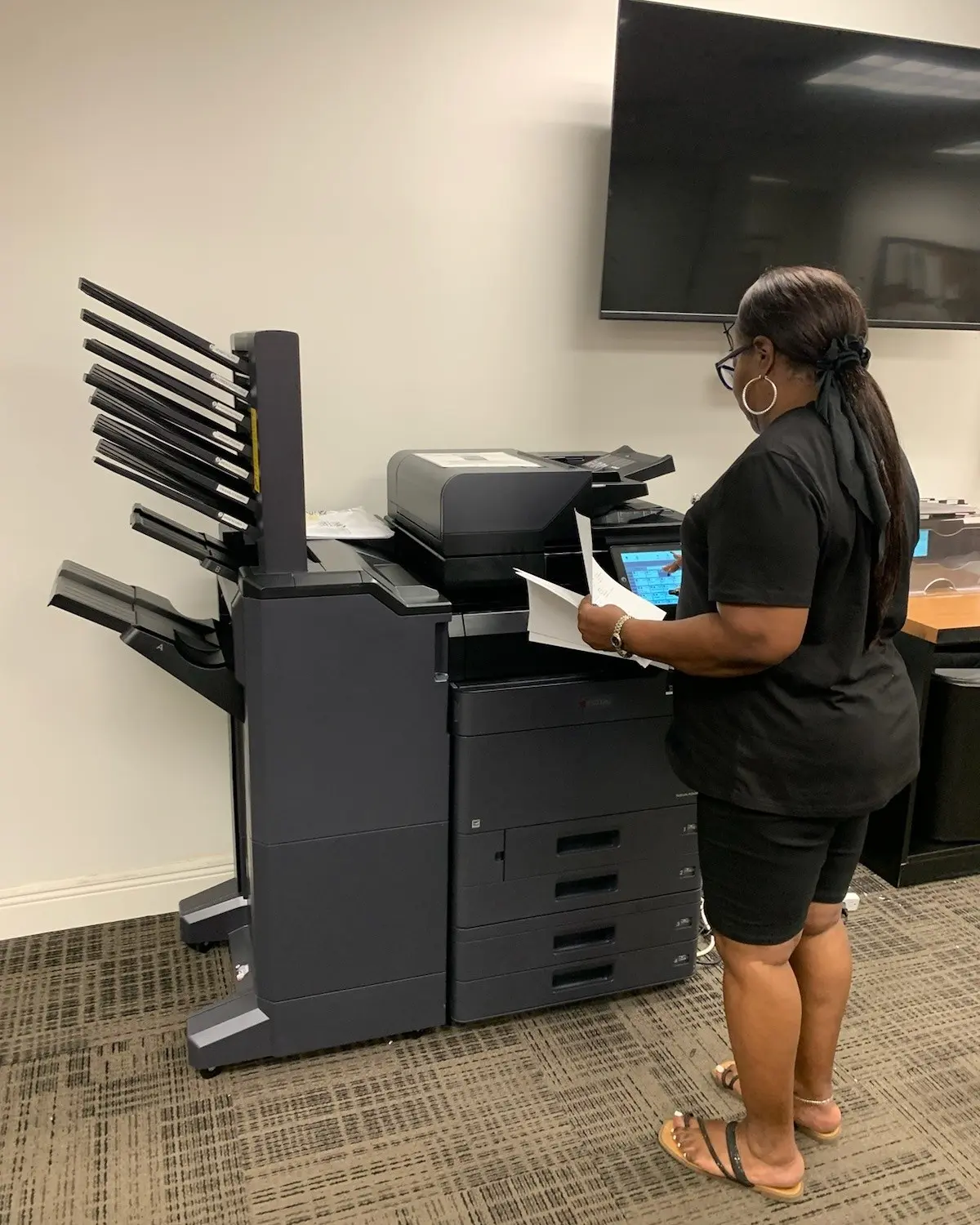
If fresh properly stored paper jams repeatedly at the same point, a roller, separation component, sensor, guide or fusing area may need attention. Unusual noise, skewed output, marks near the leading edge and error codes are useful clues. Record the page count when the failure occurs and photograph the panel message if company policy permits.
Do not spray cleaners, lubricants or compressed air into the paper path. Commercial copiers contain sensitive imaging and feed components, and unapproved material can turn a straightforward service call into a larger repair. Routine cleaning accessible to users should follow the operator guide; internal maintenance belongs with a qualified technician.
06
Combine environmental discipline with preventive maintenance
Assign one employee to monitor paper stock, remove abandoned specialty media and report repeat symptoms. Keep the copier away from direct exterior-air blasts, leaks and areas where doors remain open. During South Florida’s wet season, pay attention to storage rooms and weekend temperature settings that differ from occupied office conditions.
Gold Coast Copiers services supported commercial copiers throughout Broward, Miami-Dade and Palm Beach. Our technicians can distinguish media and loading problems from worn equipment components and help offices plan preventive support. Stable paper, correct settings and timely maintenance work together; there is no single humidity button that replaces all three.
FAQ
Frequently asked questions
Can Florida humidity cause copier paper jams?+
It can contribute by changing paper moisture, curl and sheet separation. Repeated jams can also result from loading, unsuitable media or worn components, so patterns should be diagnosed rather than assumed.
Where should copier paper be stored?+
Keep reams sealed, flat, off the floor and inside a stable climate-controlled area. Let deliveries acclimate before opening, and avoid damp storage rooms or exterior doors.
When should we call for copier service after a jam?+
Request service when paper resists removal, scraps remain inaccessible, jams repeat at the same location with fresh correctly loaded paper, or the device shows an error, noise or damage.