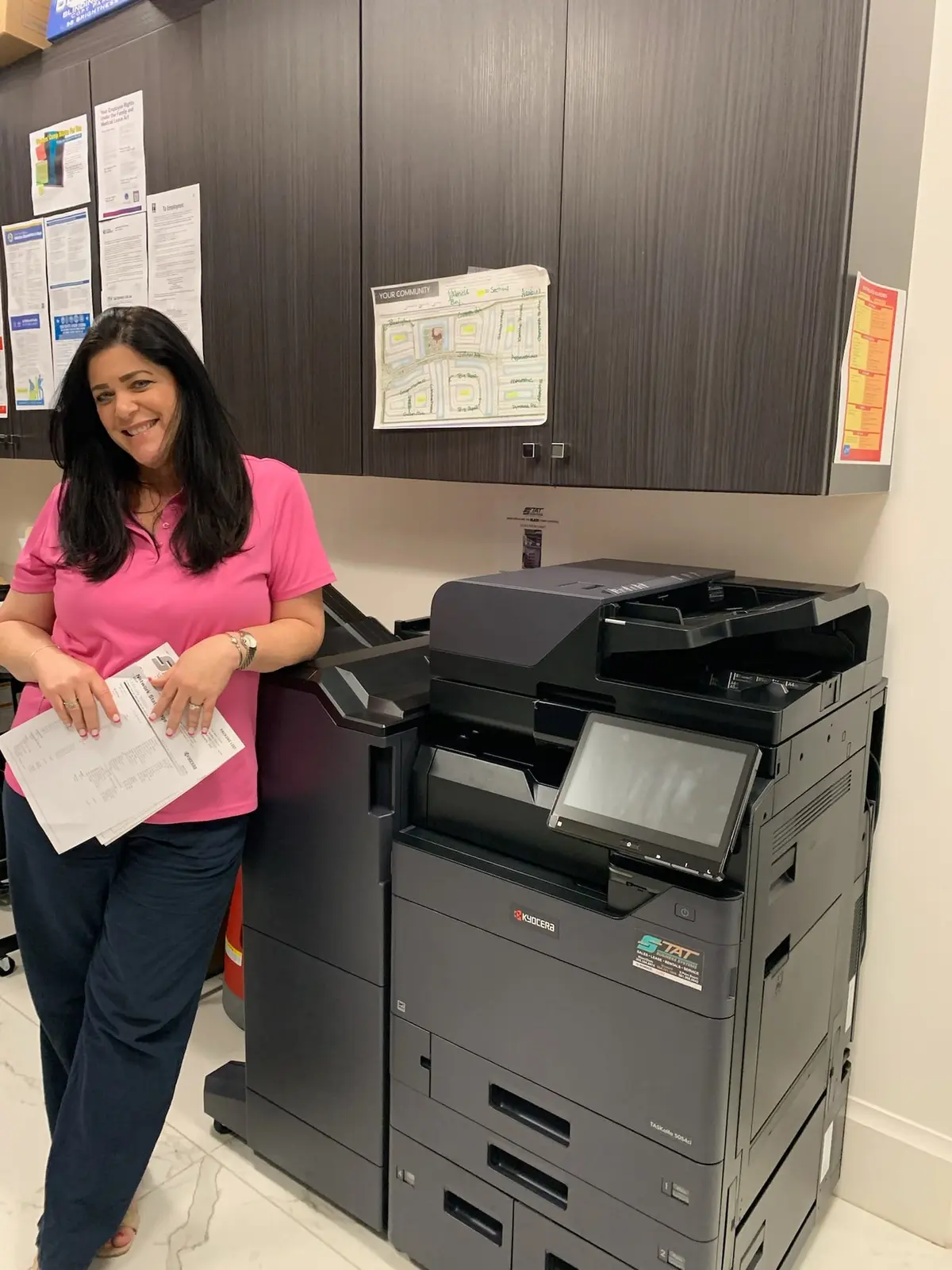
The best choice is rarely based on whether an office uses color at all. It depends on which documents need color, how often they are produced, who controls that output and whether one multifunction system or a mixed-device plan creates better value.
01
Let your documents—not assumptions—choose the output
Begin by sorting a representative week of documents into three groups. The first group is text-driven work where black-and-white output communicates everything needed: contracts, invoices, medical forms, checklists, internal reports and record copies. The second group uses limited color for logos, headings, status indicators or charts. The third relies on richer color, such as presentations, property packages, sales proposals, menus, training materials and client-facing reports.
This exercise often reveals that the office does not have a single color requirement. It has several coverage levels. A page with a small blue logo is different from a full-page marketing piece, and a useful equipment comparison should recognize that difference. South Florida organizations can then decide whether one color multifunction copier should handle the full workload, whether monochrome should remain the central platform, or whether a carefully placed combination of devices is more economical.
02
Where each copier type creates value
A black-and-white copier usually offers the simplest cost structure for offices producing large quantities of text. It can be ideal for legal files, accounting packets, warehouse documents, school materials and administrative records. Color systems add the ability to emphasize information and create polished material in-house, but color usage should be planned. The question is not whether color costs more per page; it is whether the additional communication value justifies where and how it is used.
Modern color multifunction systems can still produce ordinary monochrome pages, so a color copier does not force every job into color. Proper driver defaults and permissions can keep routine documents black and white while allowing approved teams to select color. That flexibility is valuable when an office needs occasional professional output but wants to avoid accidental color printing from emails or web pages.
| Decision factor | Black-and-white | Color |
|---|---|---|
| Best fit | Contracts, forms, statements, text packets | Proposals, charts, presentations, marketing |
| Cost control | Simpler high-volume output | Requires thoughtful defaults and permissions |
| Communication | Clear and practical | Adds emphasis, brand consistency and visual detail |
| Fleet strategy | Central production for text-heavy teams | Shared resource for departments that need color |
| Questions to measure | Monthly page volume and finishing | Color page count and average coverage |
03
Color page count alone does not tell the whole story
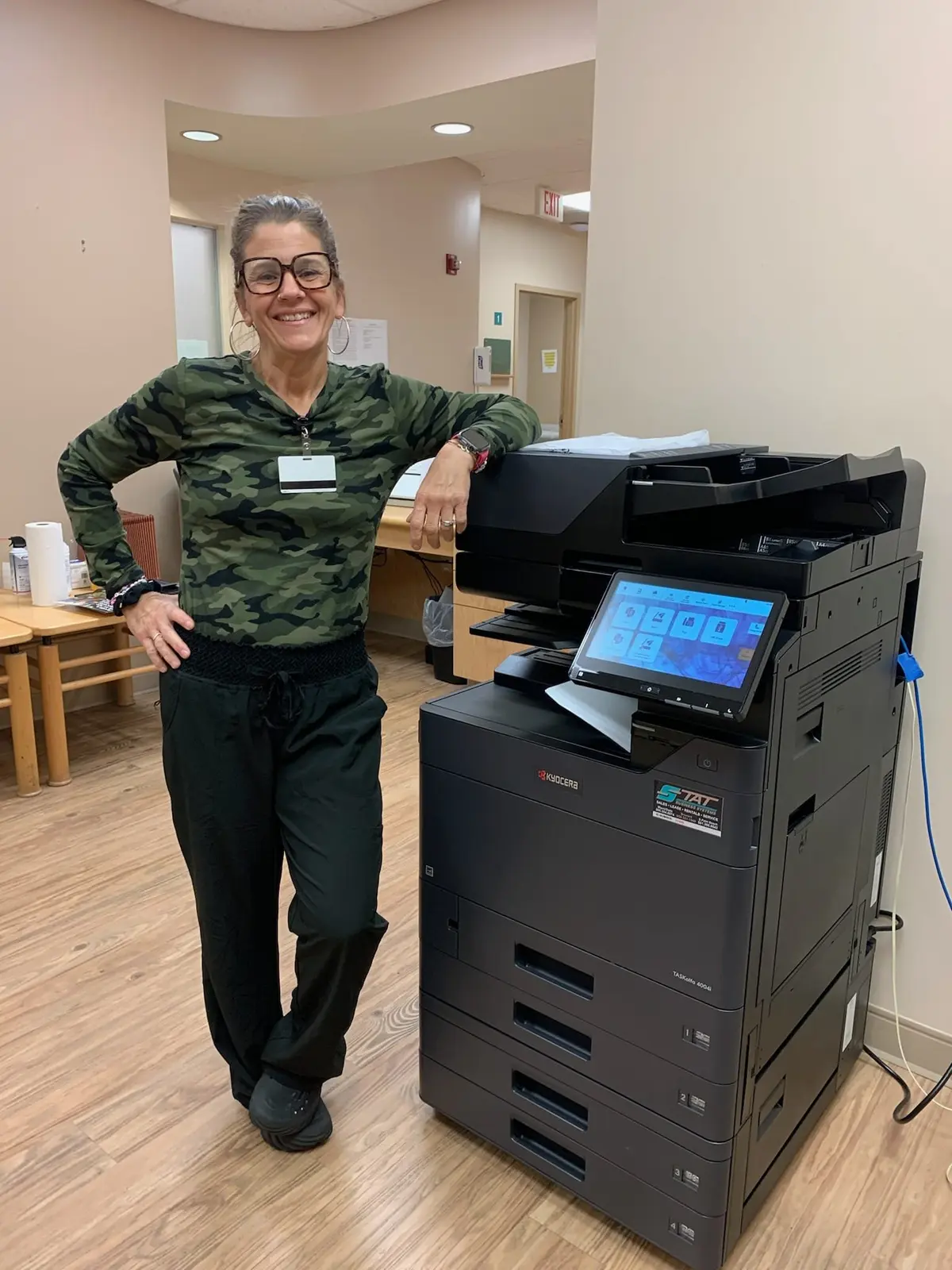
Two offices can each produce 2,000 color pages and consume very different amounts of toner. One prints correspondence with a small logo; the other prints full-page photographs and presentation backgrounds. When reviewing current use, sample the pages—not only the meter. Identify which applications generate color automatically, which departments intentionally create it and whether any documents are outsourced because the existing copier cannot deliver acceptable quality.
This is also the time to review paper. Heavy presentation stock, labels, envelopes and larger sheets may require a different paper path or configuration. If marketing-quality work is occasional, a commercial color MFP can still be a strong fit, but it should be tested with the files and media the team will actually use. A sample output review is more useful than a generic demonstration page created by the manufacturer.
04
Use defaults, permissions and reporting to keep color intentional
The most effective color-cost policy is usually quiet and automatic. Set everyday printing to black and white and two-sided, then allow employees to choose color when a document requires it. Departments with regular client-facing work can have different defaults from teams that primarily print records. User codes or authentication can provide additional visibility where an organization needs to allocate costs or prevent unrestricted output.
Avoid policies that make legitimate color use so difficult that employees outsource small jobs or create manual workarounds. A chart used for patient education, a marked-up site plan and a proposal intended to win new business can be worth producing in color. The goal is not to eliminate color; it is to connect color to a clear purpose and make ordinary monochrome output the effortless default.
- Default routine jobs to monochrome and duplex
- Give marketing and client-facing teams appropriate access
- Review reports by device, department or user when available
- Test branded documents before finalizing a configuration
- Teach employees how to change settings only when needed
05
Sometimes the answer is a mixed fleet
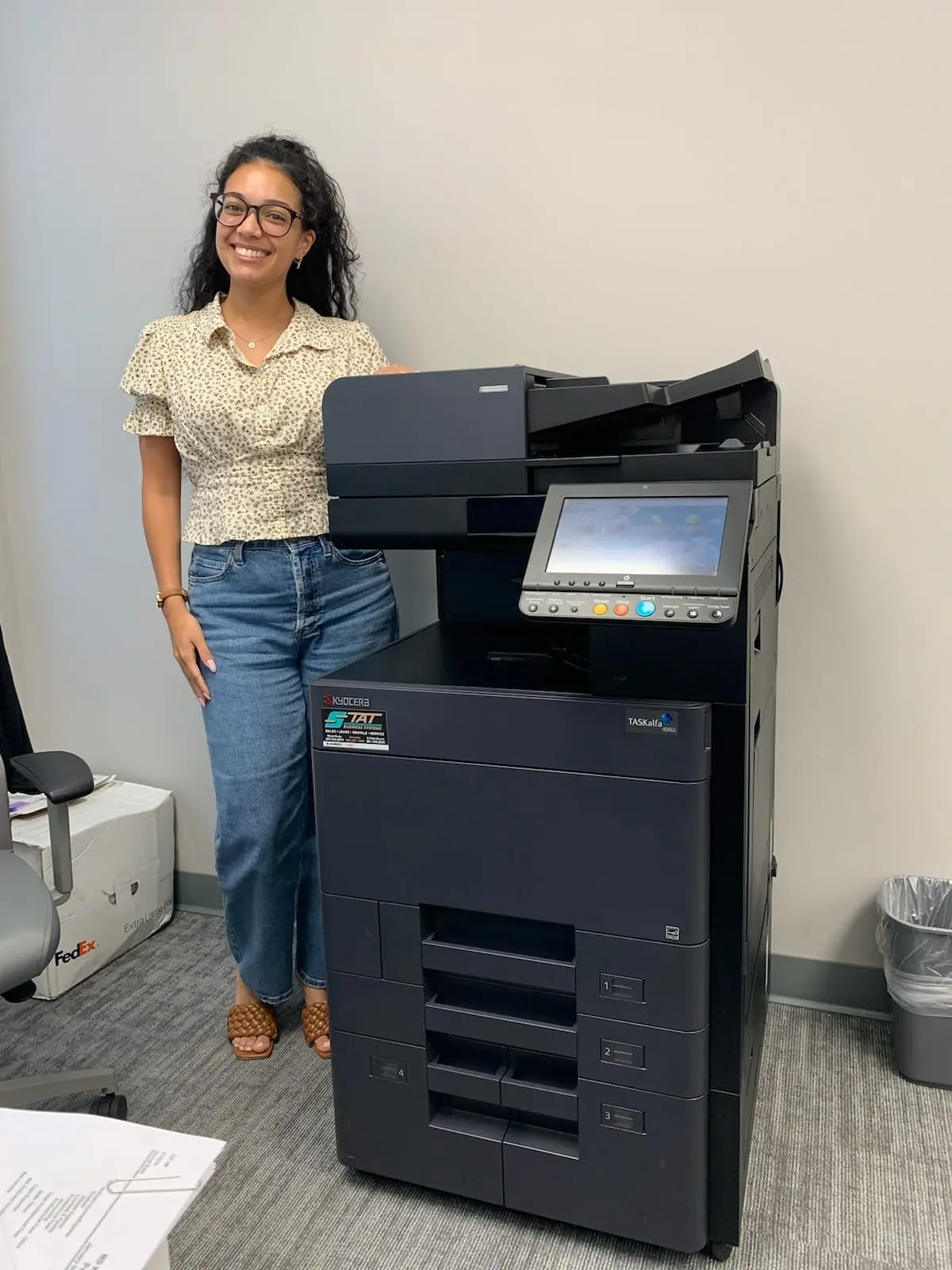
A large office may benefit from a fast monochrome copier in a central production area and a smaller color MFP near teams that build proposals or presentations. Another organization may be better served by one properly configured color TASKalfa system that replaces several inefficient desktop printers. Device placement should account for walking distance, confidentiality, downtime tolerance and the number of different supplies the office wants to manage.
Do not add equipment simply to avoid a conversation about workflow. Every device brings drivers, consumables, security settings and service requirements. A mixed fleet creates value only when each machine has a defined role. Map the users and jobs first, then choose the fewest devices that provide practical access and enough redundancy for critical departments.
06
Bring sample files and real meter data to the comparison
For an accurate recommendation, provide several typical files, current color and black-and-white meter readings, peak-day activity and any outsourced print work you might bring in-house. Describe which documents are customer-facing and where employees currently lose time. This information helps a dealer compare a compact color MFP, a full-size color copier, a monochrome system or a combined plan without relying on guesswork.
Gold Coast Copiers supplies and supports commercial Kyocera solutions across Broward, Miami-Dade and Palm Beach. We help South Florida businesses evaluate color coverage, paper handling, scanning and monthly volume before choosing a lease or purchase. The right answer is the one that produces important documents well, keeps everyday output economical and remains easy for employees to use.
FAQ
Frequently asked questions
Can a color copier default to black-and-white printing?+
Yes. Print drivers can usually default to monochrome while allowing authorized users to select color for specific jobs. This is one of the simplest ways to control unnecessary color output.
Is a black-and-white copier still a good choice in 2026?+
Absolutely. Text-heavy offices often gain excellent speed, capacity and operating value from a monochrome multifunction copier while using digital tools or a smaller color device for occasional visual documents.
Should every department share one color copier?+
Not necessarily. Placement should reflect volume, confidentiality, walking distance and downtime tolerance. Some organizations benefit from one centralized color MFP; others need a defined mix of monochrome and color devices.