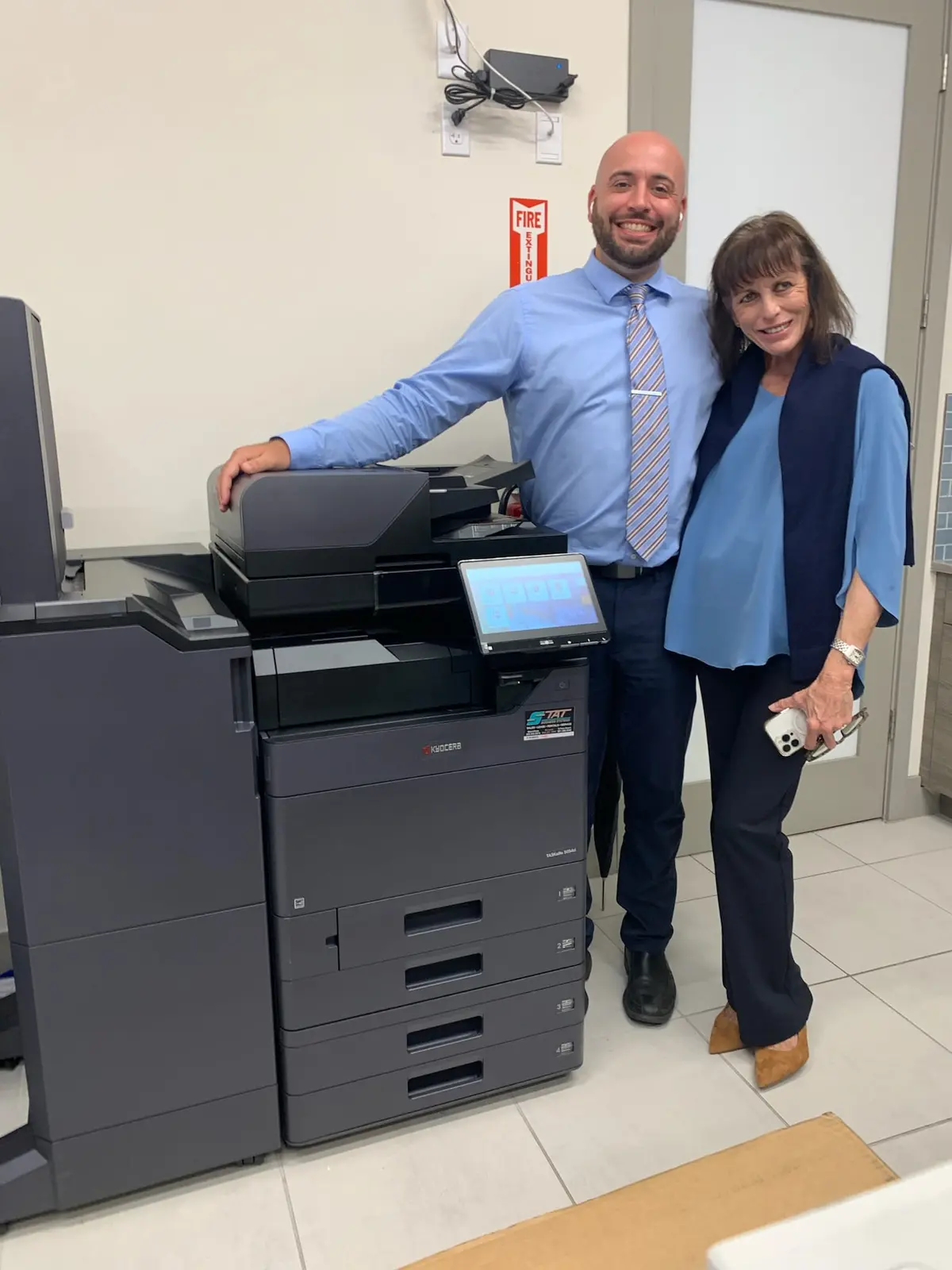
A sound copier lease covers much more than the machine payment. South Florida businesses should compare actual document volume, scanning needs, service responsibility, supplies, installation and end-of-term obligations before choosing an agreement.
01
Start with evidence from your current copier
Before requesting lease proposals, collect three to six months of meter readings and recent supply or service invoices. Separate black-and-white pages from color pages whenever the device reports both. Note seasonal peaks, unusually large jobs and departments that depend on the machine at the same time. A law office closing a transaction, a medical practice scanning charts and a construction company issuing plan revisions can have similar monthly totals but very different performance requirements.
Also ask employees where the current process breaks down. Slow two-sided scanning, a document feeder that struggles with mixed originals, constant tray changes and missing scan destinations are more revealing than a generic request for a faster copier. Record the age, model and accessories on the current machine, including finishers and extra paper drawers. This short inventory gives a local dealer enough context to recommend the correct equipment class instead of simply quoting a replacement with a higher advertised speed.
- Monthly black-and-white and color page counts
- Peak-day printing and scanning demand
- Paper sizes, envelopes, labels and specialty media
- Required scan destinations and document formats
- Recurring service issues and employee complaints
02
Compare capacity, scanning and paper handling—not only pages per minute
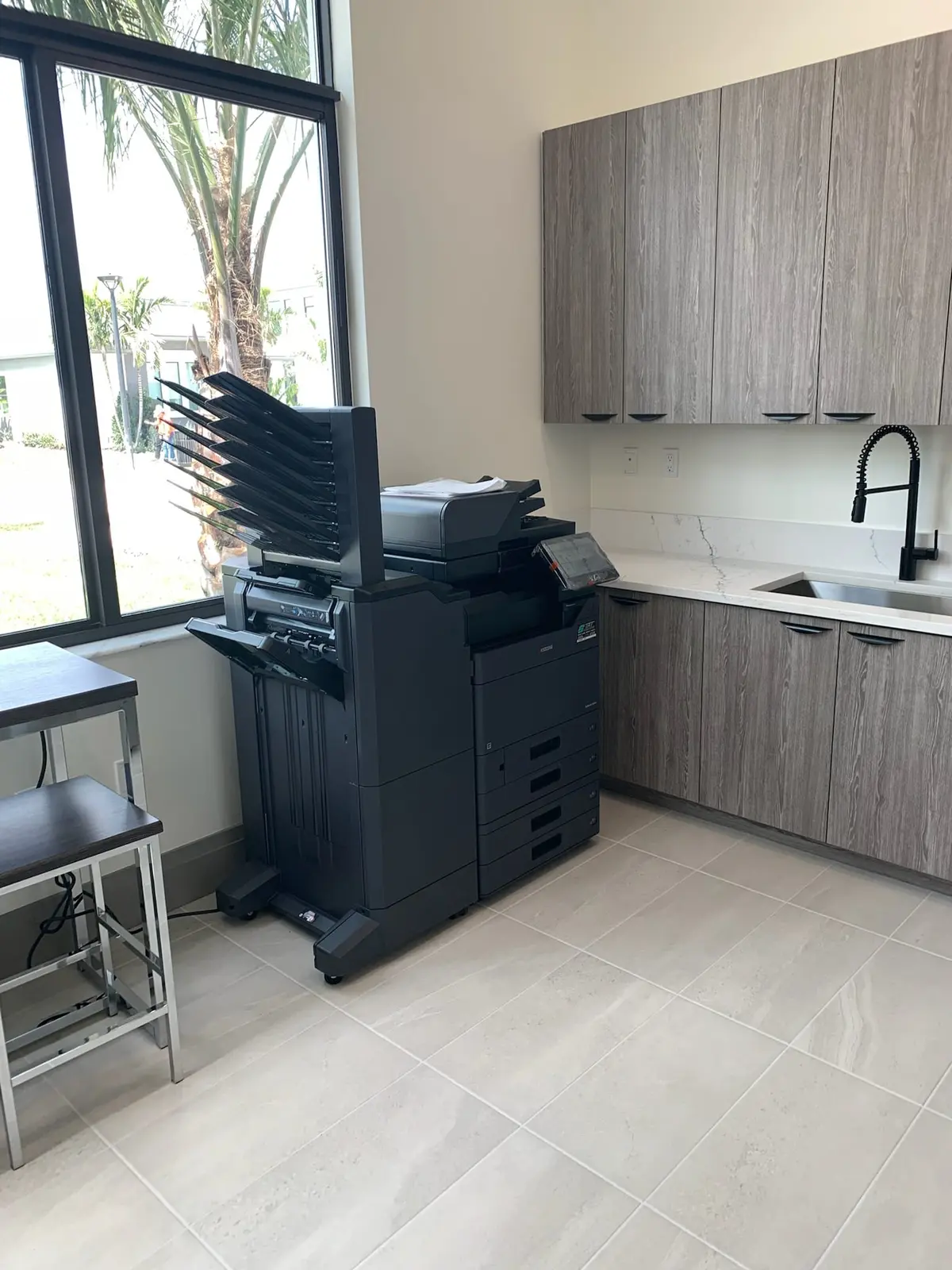
Pages per minute matters when several people wait for output, but it is only one part of productive office equipment. A copier can print quickly and still create a bottleneck if its document feeder scans slowly, its paper capacity is too limited or employees repeatedly reprogram complex jobs. Ask how the proposed system handles two-sided originals, searchable PDF creation, scan-to-email, shared folders and the paper sizes your office actually uses.
Recommended monthly volume deserves equal attention. Occasional peak speed is different from sustained daily workload. A device that spends every month near its practical limit may need more frequent attention and leave little room for growth. Conversely, a lightly used office should not finance production-level equipment it will never use. The goal is a comfortable operating range, enough paper and finishing capacity, and a control panel employees can navigate without constant assistance.
| Requirement | Question to ask |
|---|---|
| Scanning | How many two-sided images can the feeder capture during busy periods? |
| Paper | Can trays remain dedicated to letter, legal or specialty stock? |
| Finishing | Do we need stapling, hole punching, sorting or mailbox output? |
| Growth | Will this configuration support our expected headcount and volume? |
| Security | Can users authenticate and release sensitive jobs at the device? |
03
Read the service plan as carefully as the lease
The equipment lease and the service agreement are often separate. The lease typically finances the hardware, while the service arrangement may cover labor, parts, preventive maintenance and toner based on usage. Ask which supplies are included, whether staples and paper are excluded, how color and monochrome pages are measured, and whether there is a monthly minimum. Confirm what happens when coverage meters differ from the volume assumed in the proposal.
Local accountability matters after installation. Identify who receives service requests, whether technicians are based in South Florida and how your team orders toner. A low monthly equipment payment does not compensate for days of downtime or repeated transfers through a national dispatch queue. The agreement should make it easy to understand who supports the device, what work is covered and how an unresolved issue is escalated.
04
Understand the complete term and the exit before signing
Compare proposals on the same term length and configuration. A 60-month payment will usually look lower than a 36-month payment, but it also keeps the organization committed longer. Confirm whether the proposal contains an automatic annual increase, documentation fee, insurance requirement or separate delivery charge. If the office may relocate or consolidate, ask how the agreement handles a move and whether equipment can be transferred to another location.
End-of-term language deserves special attention. Determine whether the lease is a fair-market-value arrangement, a purchase option or another structure, and document the return notice deadline. Ask who pays to remove and ship the machine if it is returned. Calendar the notice date when the lease begins, not four years later when the original paperwork is difficult to locate. A clear exit plan protects the business from unwanted extensions and rushed replacement decisions.
- Exact term length and payment schedule
- End-of-term notice window and renewal language
- Purchase, return and upgrade options
- Equipment return, removal and freight responsibility
- Taxes, fees, insurance and possible annual increases
05
Make installation and adoption part of the proposal
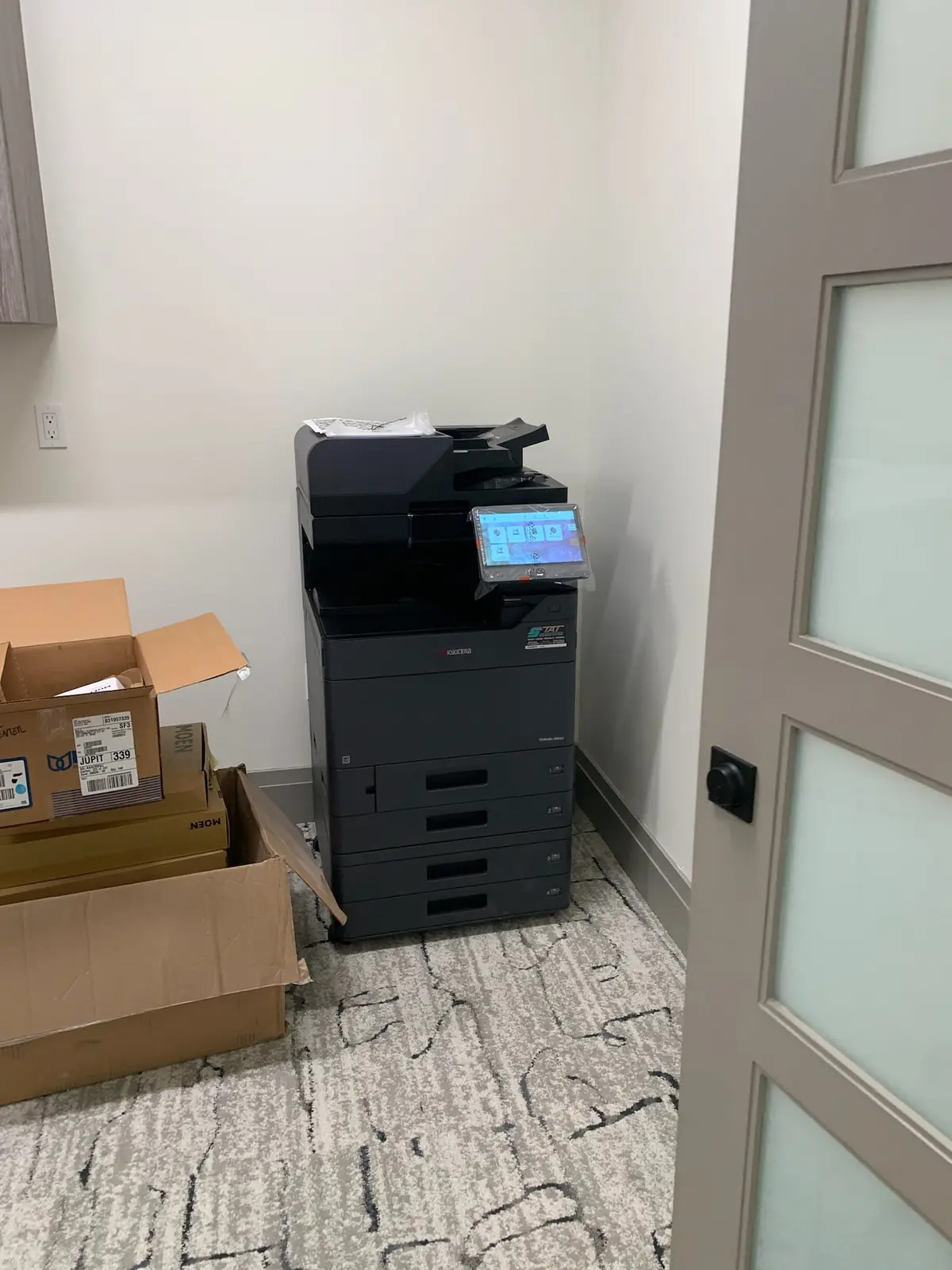
A commercial copier is a networked business system, not a box that should simply appear in the hallway. Before delivery, confirm dimensions, doorway clearance, elevator requirements, electrical access and the final location. Your IT contact should know which computers, servers, address books and scan destinations need configuration. If secure print, user codes or cloud workflows are part of the plan, define who will test them and approve the setup.
Basic employee orientation prevents avoidable frustration. Users should know how to load specialty paper, clear simple misfeeds, select color intentionally, scan to approved destinations and request support. Ask whether the old device will be removed and whether stored data needs to be handled before disposal. When these details are assigned in advance, the transition is faster and the office receives the value it expected from the new system.
06
Use one comparison sheet for the final decision
Place each proposal on a single worksheet with the same categories: machine and accessories, lease term, service basis, included supplies, estimated monthly pages, installation, training and end-of-term obligations. Exclude features your team will not use and flag assumptions that differ between vendors. This method makes an attractive payment easier to evaluate in context and gives management a defensible reason for the final choice.
Gold Coast Copiers supports organizations throughout Broward, Miami-Dade and Palm Beach counties with copier leasing, Kyocera equipment, installation and local service. We can review your current meter readings and workflow before recommending a configuration. The objective is not the largest copier or the longest contract; it is a reliable system and a transparent agreement that fit the way your office works in 2026.
FAQ
Frequently asked questions
What information should I provide for a copier lease quote?+
Provide current meter readings, estimated monthly black-and-white and color volume, user count, paper sizes, scanning destinations, finishing requirements and the problems you want the new system to solve.
Is copier maintenance included in the lease payment?+
Not always. The equipment lease and service agreement are commonly separate. Ask for a clear explanation of labor, parts, toner, page charges, minimums and exclusions before comparing total cost.
How long are commercial copier leases?+
Terms vary, but 36- to 60-month arrangements are common. Compare the lower payment of a longer term against flexibility, expected growth and the useful life of the selected configuration.